

Your followers list is three presses from your profile
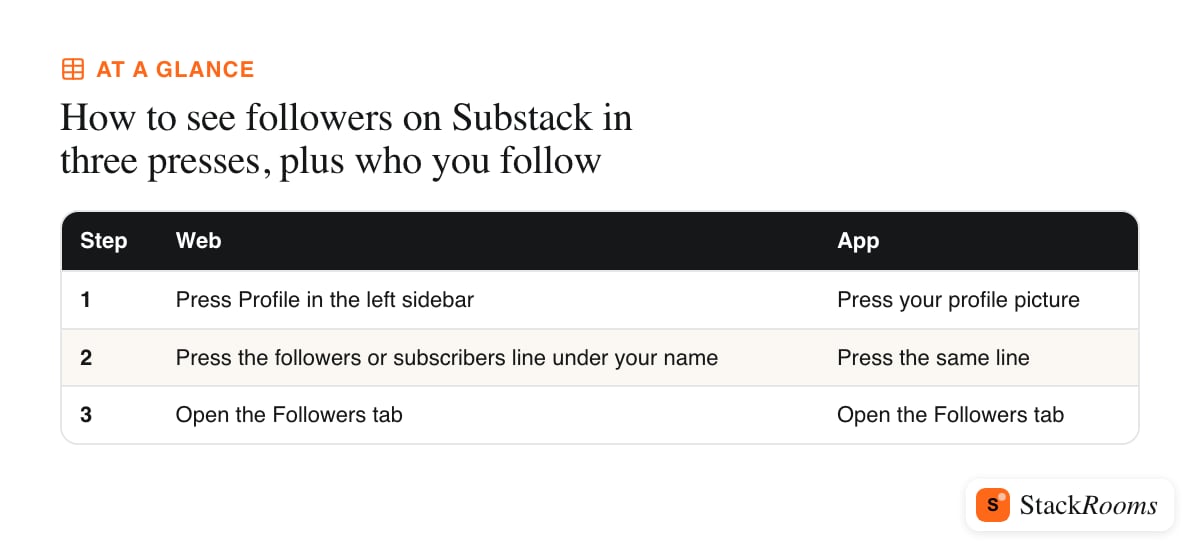
| Step | Web | App |
|---|---|---|
| 1 | Press Profile in the left sidebar | Press your profile picture |
| 2 | Press the followers or subscribers line under your name | Press the same line |
| 3 | Open the Followers tab | Open the Followers tab |
The shortcut is substack.com/@yourhandle/followers. Open it in your phone's browser and it works there too. Any writer's profile has the same page, so you can see who follows them and who they follow.
The Following tab is your own list
It holds every profile you follow, at substack.com/@yourhandle/following. Names you don't remember usually came from a subscription, which follows the writer automatically, or from friend suggestions after syncing contacts. To unfollow, press the three dots on a profile or note and choose Unfollow. You stay subscribed to their publication.
Only you see the exact count
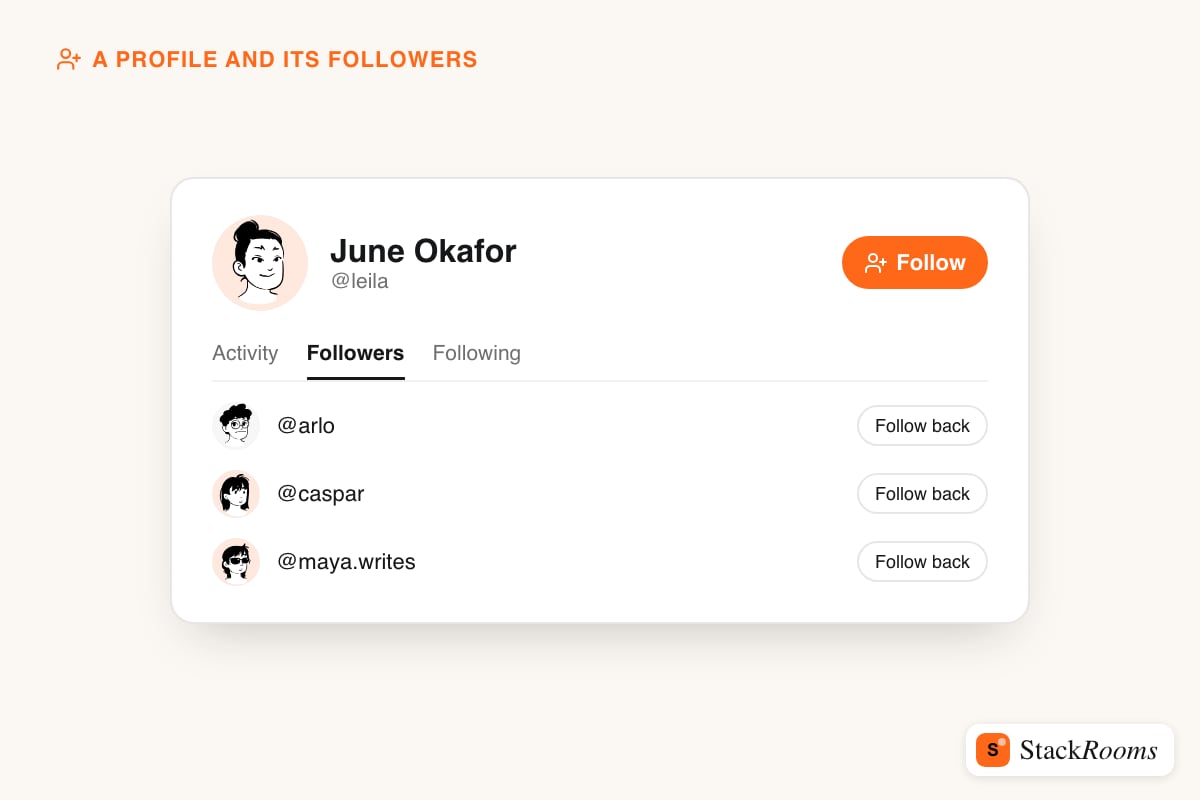
- The list of who follows you is public and can't be hidden.
- Your exact follower count is visible to you alone.
- Each new follower triggers an email and an Activity alert. An unfollow triggers nothing, so a lower count is the only sign.
- The subscriber count has its own switch, Show approximate subscriber count, in the Privacy settings of your publication.
Blocking is how you remove a follower
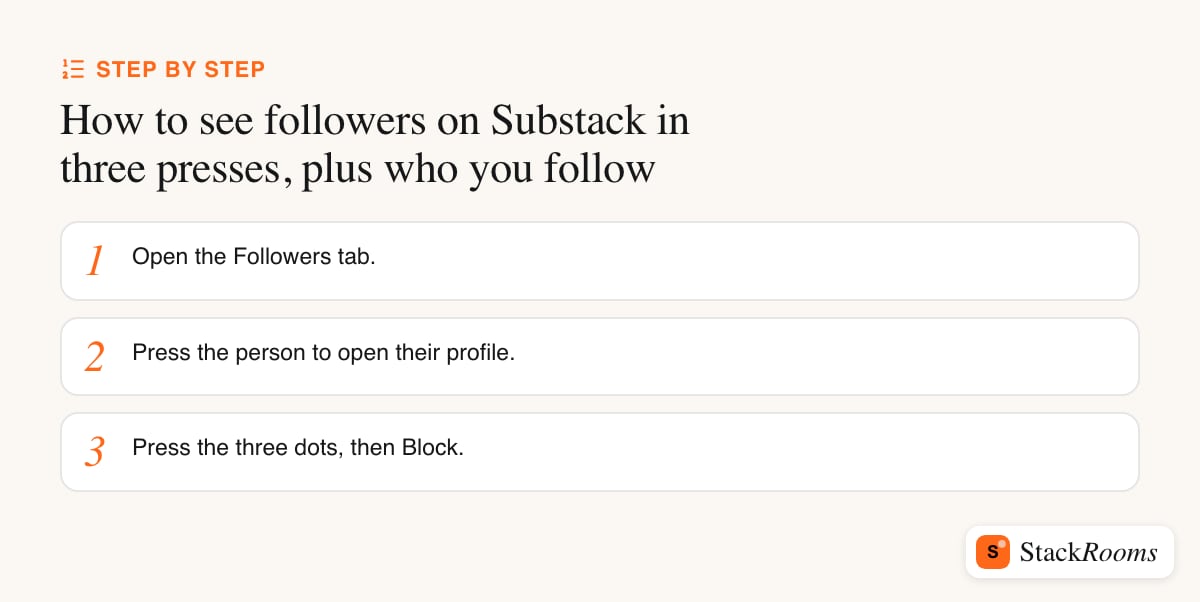
- Open the Followers tab.
- Press the person to open their profile.
- Press the three dots, then Block.
The person leaves your followers, can't follow or subscribe again and can't see your notes. To undo it, open Settings, Content preferences, Blocked accounts and press Unblock. To only hide someone from your feed, choose Mute instead.
Followers and subscribers live in two places
People follow profiles, so a publication only has subscribers. Subscribers sit in the dashboard under Subscribers, with email addresses, and you can export them as a CSV file. Followers sit on your profile as names with no emails. A subscriber follows you automatically, a follower gets your notes in Home and no email.
Numbers differ between the profile and the dashboard for simple reasons: the profile lists only public subscriptions, one reader on two of your publications counts once, and the dashboard includes readers without a profile. Trust the count on your own profile.
A longer list takes a profile worth following
Checklist for the profile that earns follows: a clear photo, one bio sentence on what you write, links to your other accounts, and a feed of notes you would be proud of.
If the list is shorter than you want, get free Substack followers from verified writers, free, by hand, no bots, no password. For the full method, read how to get followers on Substack, and to check who liked a post use how to see likes on Substack.
 Can you buy Substack followers? No, and the ones you'd get never read a NoteCan you buy Substack followers? No. Bought followers never read a Note. Get real ones free, from verified writers who follow by hand from their own accounts.
 How to get followers on Substack: 5 steps that fill your profile with real readersHow to get followers on Substack: a profile worth following, daily Notes, useful comments and restacks, plus free follows from verified writers.