

Likes live in four places, and each has a short route
| You want to see | Go to |
|---|---|
| Who liked a post of yours | The like count under the post |
| Likes on a note, comment or restack | Activity, the bell icon |
| Posts and notes you liked | The Likes tab on your profile |
| Like totals across all posts | Stats, Posts, with the Likes column added |
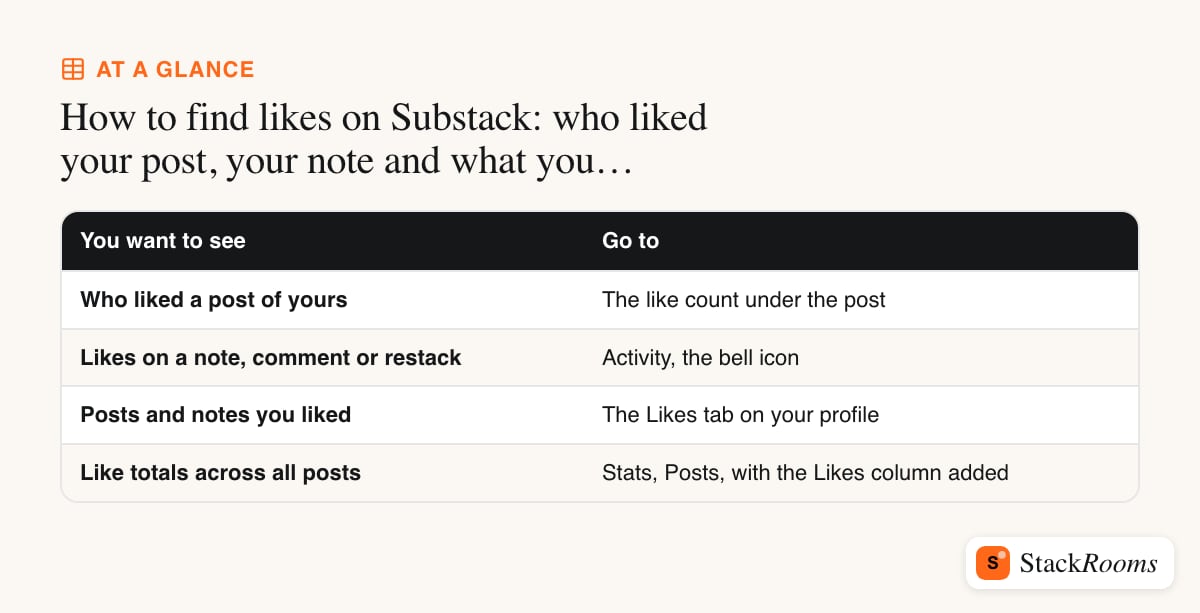
The routes are the same on the web and in the app. Likes are public by default, so anyone can run the same check on your posts.
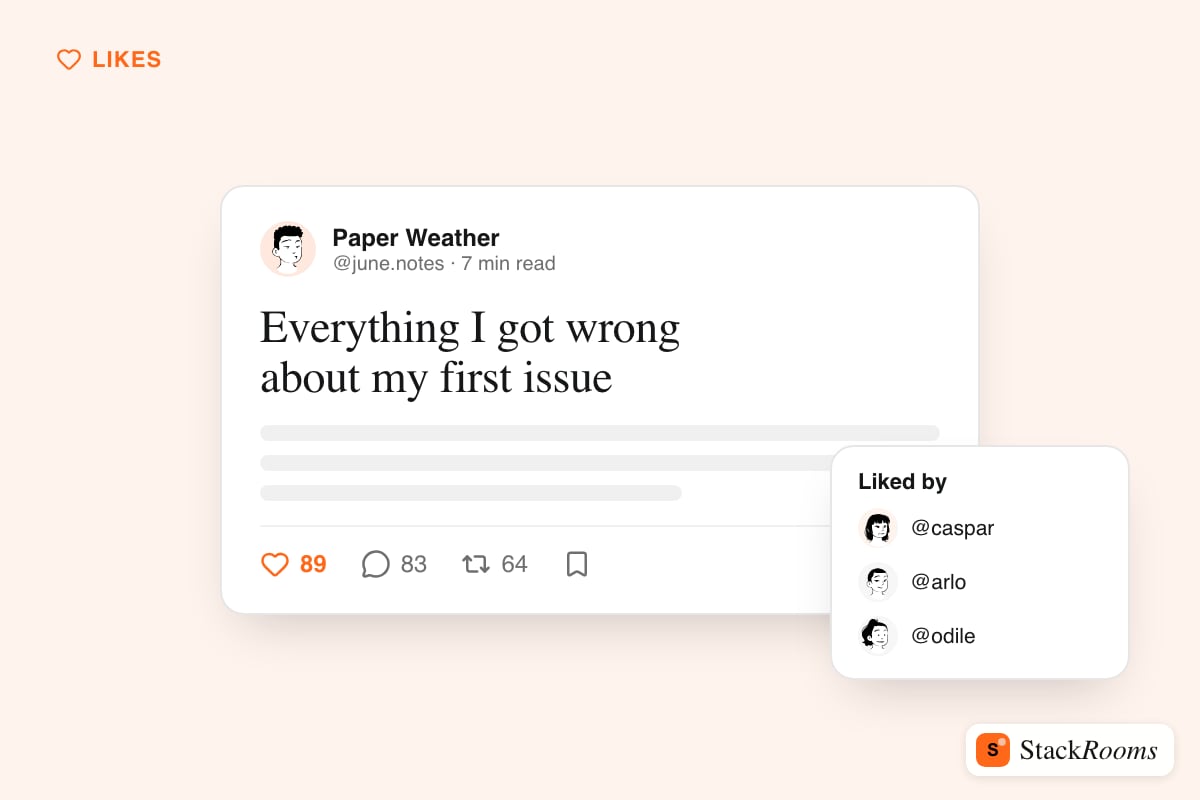
Press the like count to see who liked a post
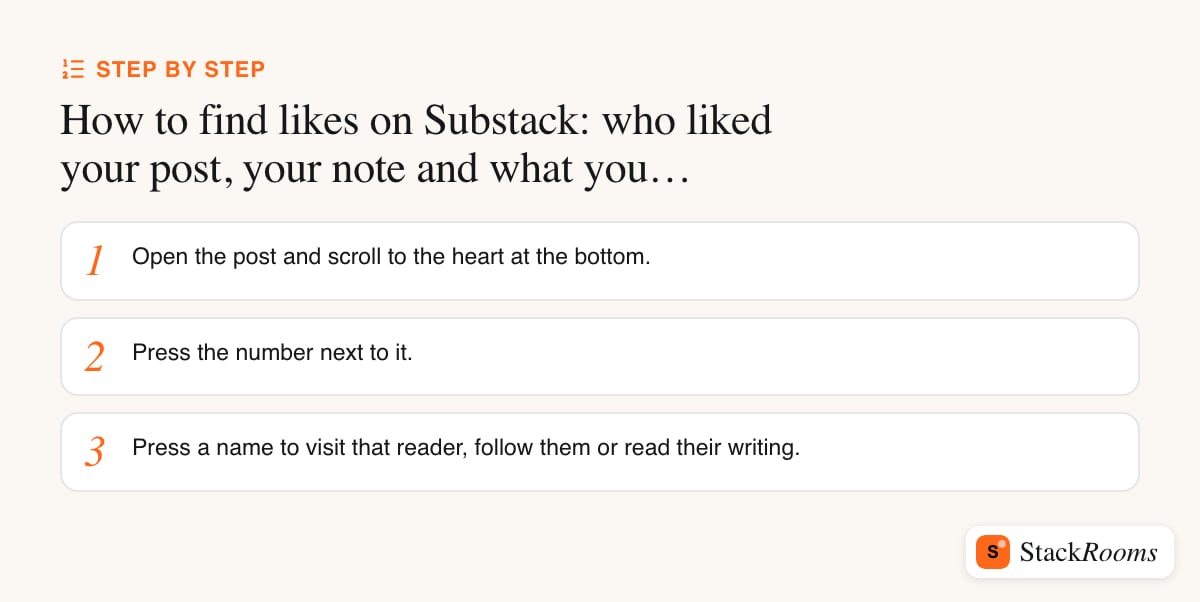
- Open the post and scroll to the heart at the bottom.
- Press the number next to it. The profiles of the readers who liked the post open as a list.
- Press a name to visit that reader, follow them or read their writing.
In the app, press View stats under the post title, open the Performance tab and press the like icon. No heart under your posts at all means likes are off for your publication, and Settings, then Community, switches them back on.
Likes on notes and comments arrive in Activity
Activity is the bell icon, in the top bar on the web and at the top of the app. It collects likes and replies on your notes and comments, restacks, mentions and new followers, and only you see it. To see what a note brought beyond likes, open it and press View stats for new subscribers, followers, clicks and shares.
Alerts are optional. Notification settings turn email and push alerts for likes on or off, and the bell keeps the full list either way.
Your own likes sit on the Likes tab of your profile
- Press your profile picture and open your profile.
- Switch to the Likes tab.
The tab is public, so anyone who opens your profile can scroll it. To hide it, switch off the show-likes toggle under Privacy in Settings. Posts you like after that stay off the tab and off other posts' like lists. For a private reading list use Saved, covered in our guide to saved posts on Substack.
A like list can be shorter than the like count
Seeing 24 under a post and 19 names is normal. Readers who hide their likes count toward the number but stay off the list. On a paid post only paying subscribers see which other paying subscribers liked it. Likes from before late May 2022 show as a number without names.
Totals for every post sit in Stats
- Open your dashboard, then Stats, then Posts.
- Press Display, then Metrics, and add the Likes column.
- Press the Likes header to sort, or download the table as a CSV.
Put likes next to comments and restacks. Posts that collect all three are the ones the feeds carry furthest, and our Substack engagement rate calculator turns them into one percentage.
Everyone on the list is a warm reader
- Follow back the writers among them and answer with a real comment.
- Note names that repeat. Those readers will answer a question about your next idea.
- Compare posts by likes from outside your subscriber list. Those topics travel.
Free likes from real writers make the first hour count
Likes in the first hour after publishing lift a post in Notes, Home and the feeds, and likes from real people with a photo and their own readers lift it most. On StackRooms you can get free Substack likes from verified writers. Yes, free, with no conditions and no bots. They open your post and press like by hand from their own accounts, and the public link is all you share. No Substack password.
Swaps between writers work the same way, see Substack like for like. Bought likes come from empty accounts that never read a word, which is why buying Substack likes gives a post nothing.