
Four embeds, each for a different spot
| Embed | The reader sees | Use it |
|---|---|---|
| Signup form | Your logo and name, an email field and Subscribe | At the end of an article |
| Subscribe button | One button to your subscribe page | In a menu or header |
| Recommend card | Your name, a line about you and Subscribe | On an about page or a friend's site |
| Post card | A post's title, subtitle and a link to read it | Where you show your latest work |
The form comes as written and in a version with a width that shrinks on narrow screens.
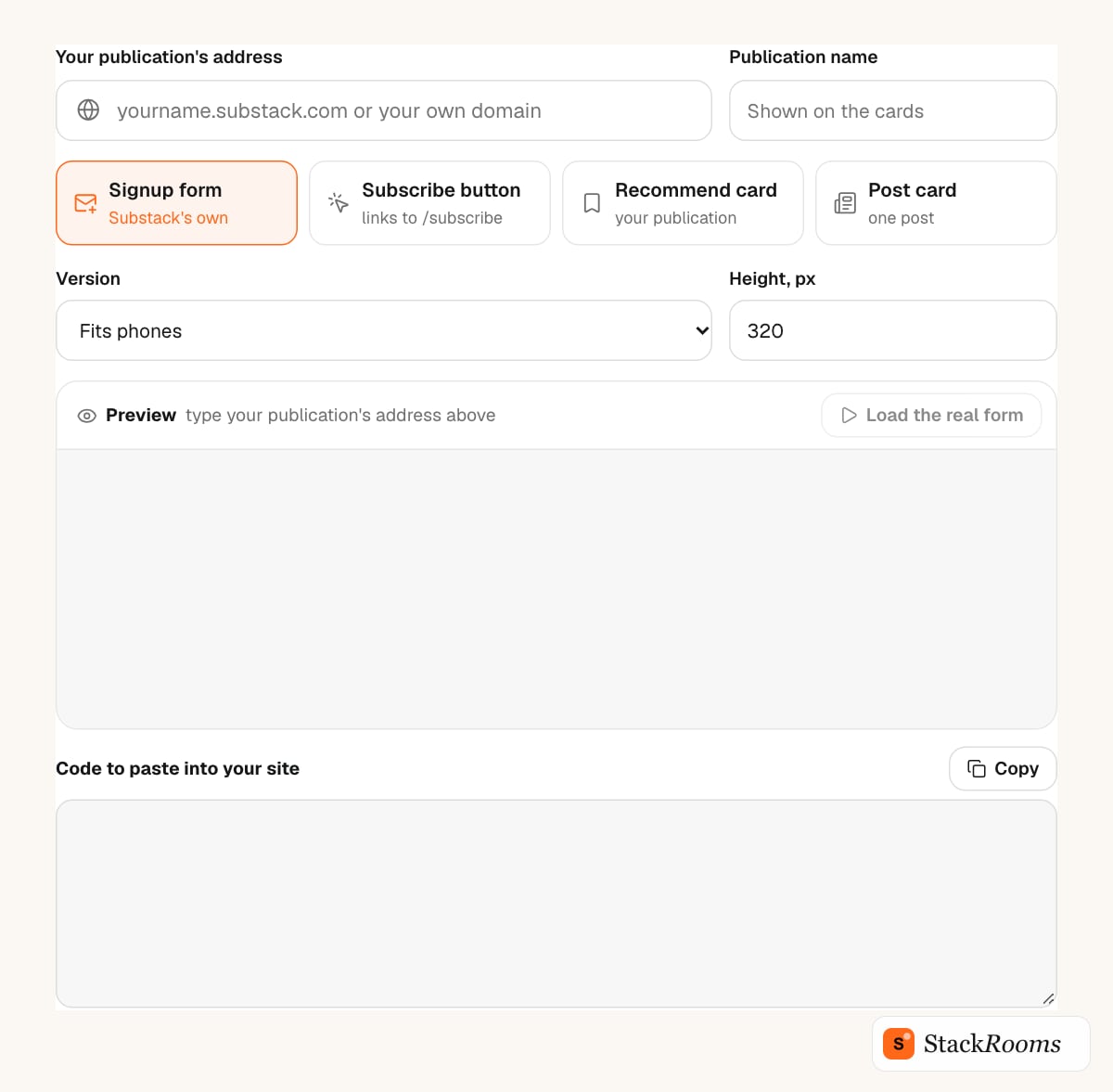
Three steps from address to code
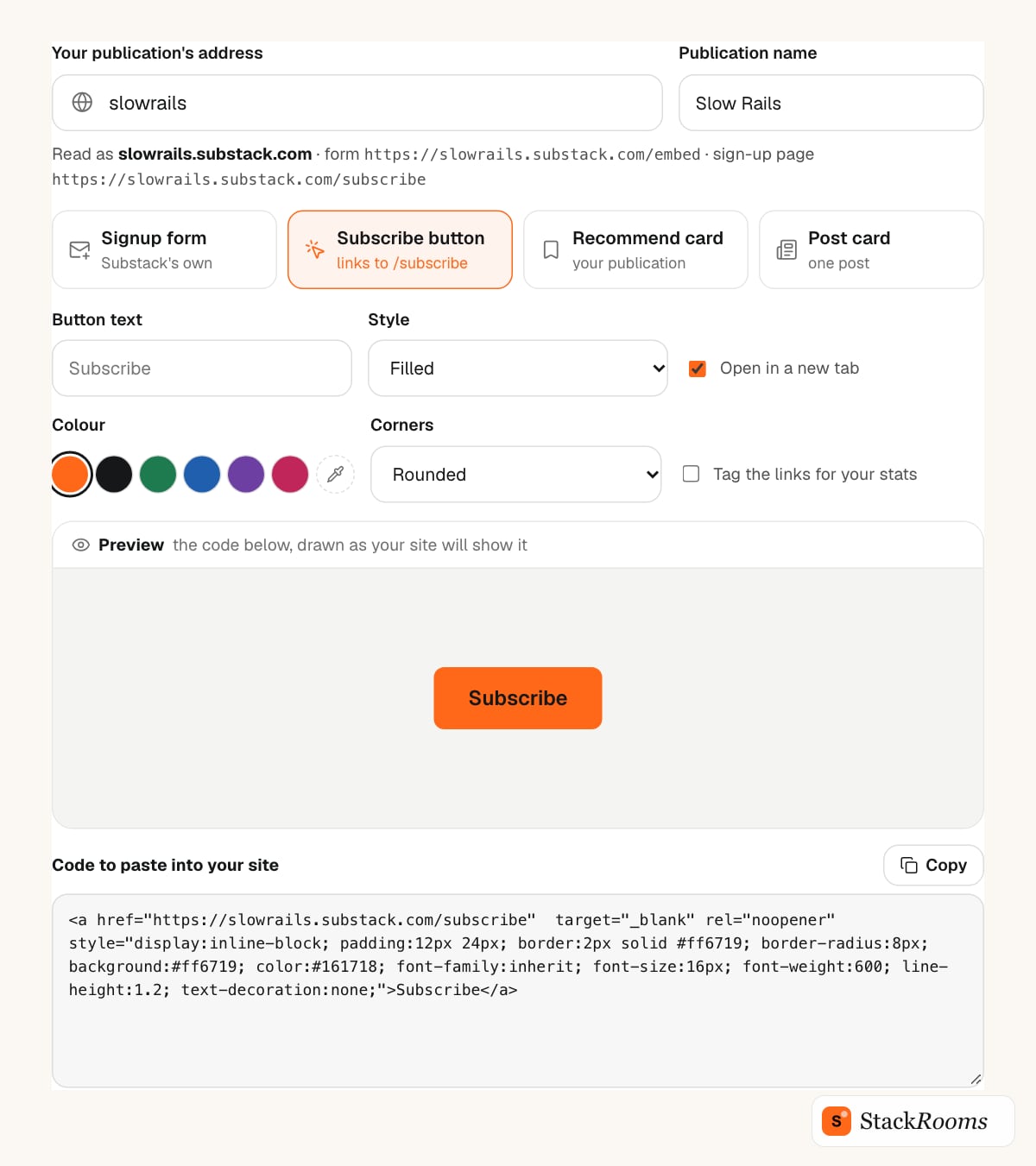
- Type your publication address and its name.
- Pick an embed and set the look: color, corners, light or dark, and the words on it. The preview updates live.
- Copy the code and paste it into your page.
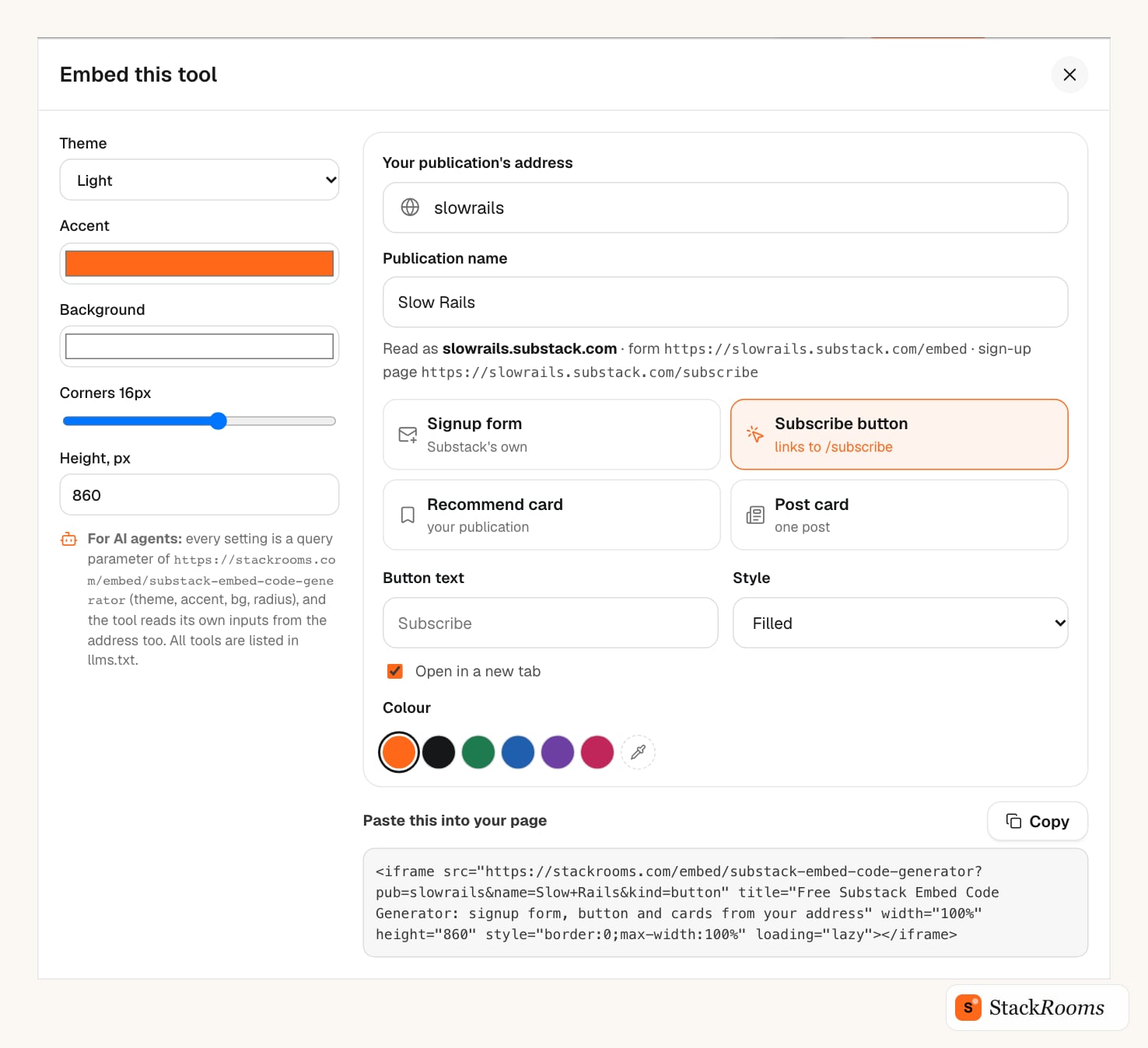
Put the form where readers decide
People subscribe at the moment a page has convinced them, so place the form after the strongest paragraph, not in a footer. Use the button where space is tight.
A form needs visitors who stay, and a post with early likes and comments draws them. Get free Substack subscribers from writers who read, and pair the embed with a welcome email.
 Buy Substack subscribers? No: a bought list never reads and never paysCan you buy Substack subscribers? No. A bought email list never opens a post and hurts your newsletter. Get real readers through verified writers, free.
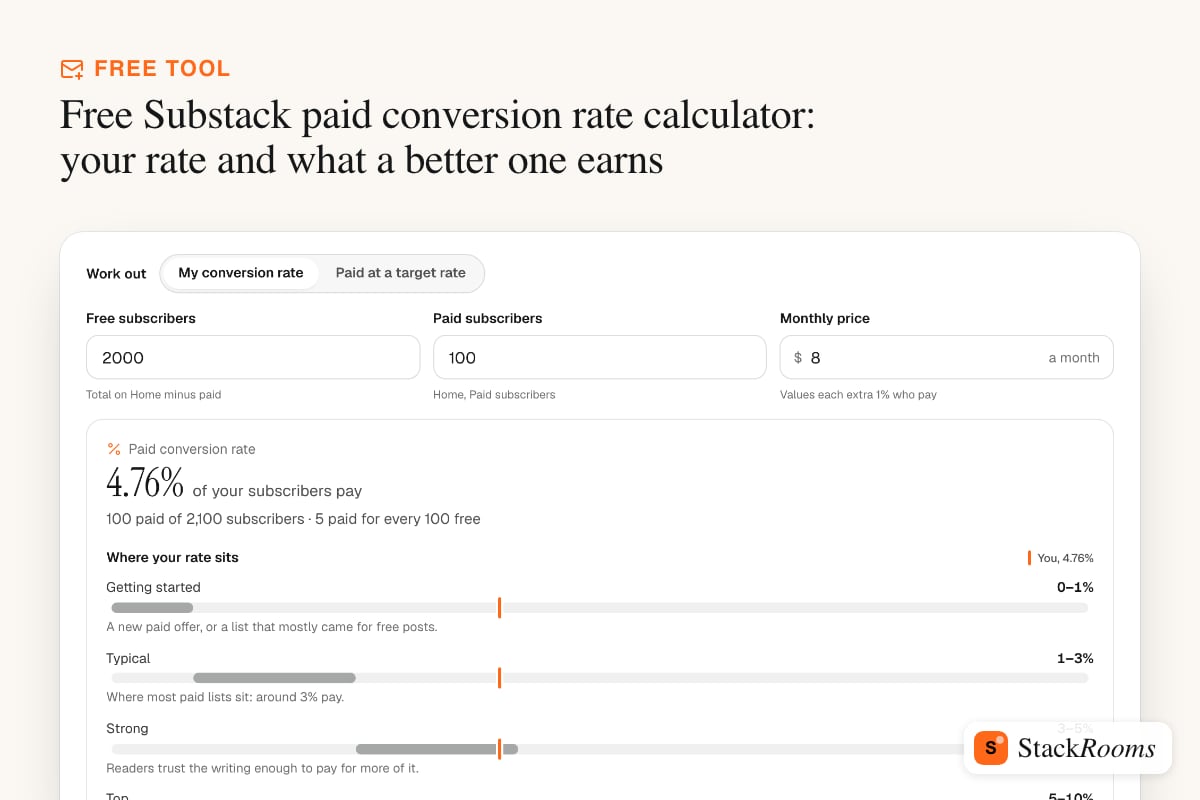 Free Substack paid conversion rate calculator: your rate and what a better one earnsFree Substack paid conversion rate calculator: enter free and paid subscribers, see your rate against typical ranges and what a better rate earns a year.
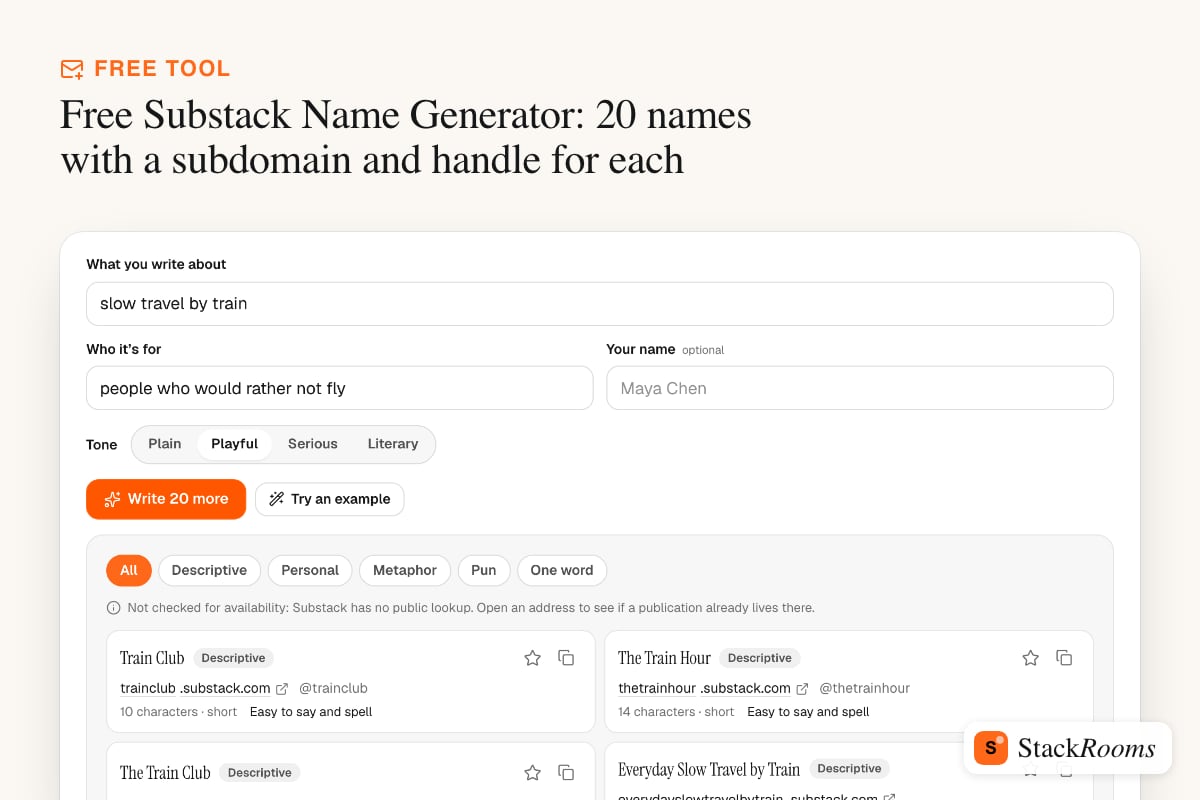 Free Substack Name Generator: 20 names with a subdomain and handle for eachFree Substack name generator: say what you write about and get 20 names in five styles, each with its subdomain and handle, plus a shortlist you can share.
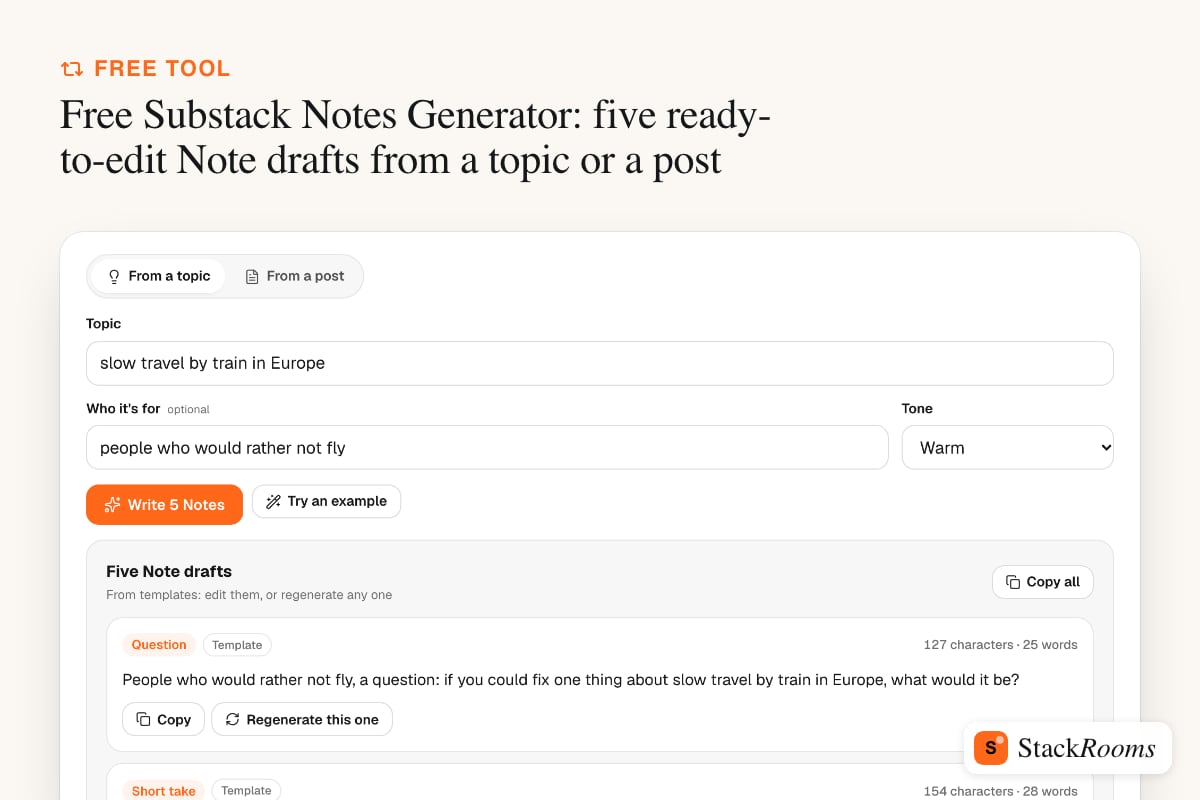 Free Substack Notes Generator: five ready-to-edit Note drafts from a topic or a postFree Substack Notes generator: give it a topic or paste a post and get five Note drafts in five shapes, written on your device. No sign-up.