


Skip to content

HomeFree toolsFree Substack Notes Generator

Free Substack Notes Generator: five ready-to-edit Note drafts from a topic or a post

Free Substack Notes generator: five ready-to-edit Note drafts from a topic or a pasted post.

Member avatarMember avatarMember avatarMember avatar47k members

Embed this tool

For AI agents: every setting is a query parameter of https://stackrooms.com/embed/substack-notes-generator (theme, accent, bg, radius), and the tool reads its own inputs from the address too. All tools are listed in llms.txt.

47k
members
900+
actions a day
6
kinds of support

Five shapes ask readers for five different things

ShapeIt asks the reader to
QuestionAnswer from their own experience
Short takeAgree, push back or restack
ListSave it and come back
QuoteRestack the line
Behind the scenesTell you what they want next

From a post, the quote is a sentence taken word for word, and the list follows the headings you already wrote. A number you did not give shows as [N], so no draft invents a fact.
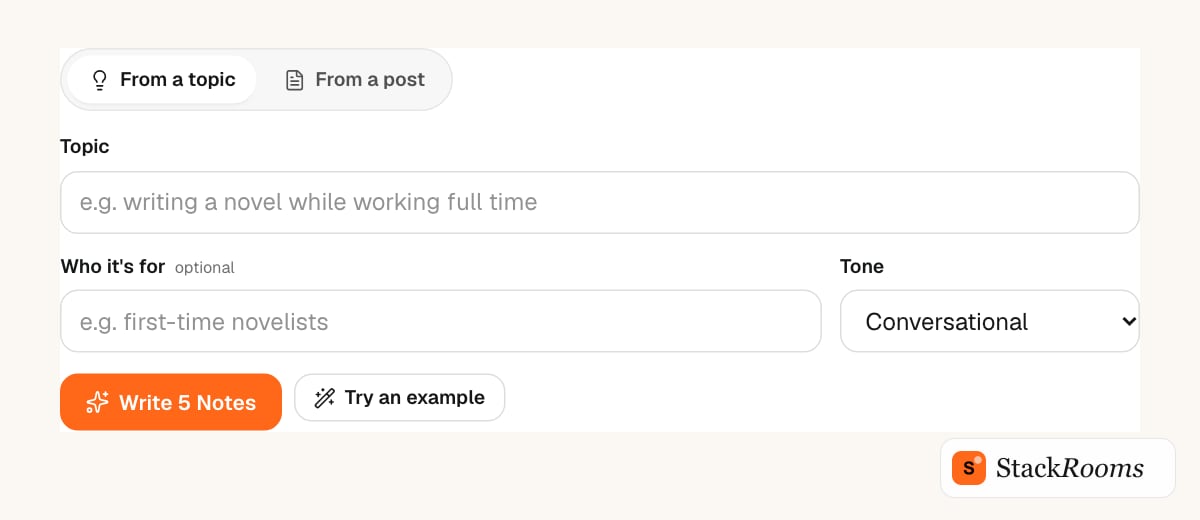
Free Substack Notes Generator: five ready-to-edit Note drafts from a topic or a post: the tool as it opens
Step 1: the Substack Notes Generator as it opens, before you type anything.

Three steps from idea to Note

  1. Add the source. A few words on a topic, or the text of a post with its title on the first line. Name the reader if you know them.
  2. Choose a tone and press Write 5 Notes. Each draft shows its characters and words.
  3. Write again the ones that miss. A good question stays while a weak list gets a new try.
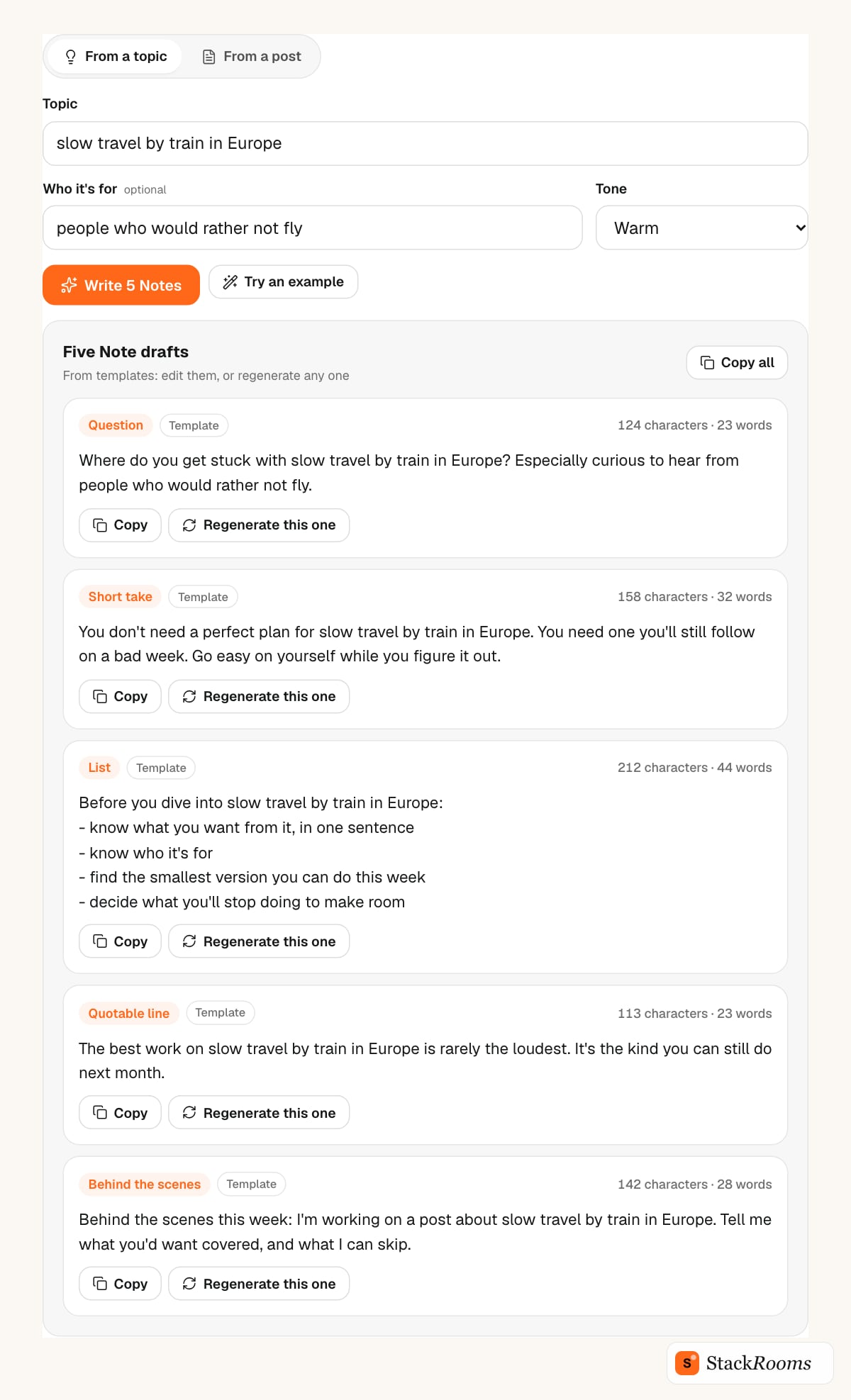
Free Substack Notes Generator: five ready-to-edit Note drafts from a topic or a post: the tool with a finished result
Step 2: Substack Notes Generator with the example filled in and its result.

Post the one that sounds like you

Copy a draft, change a word or two and put your own voice on it. Add the link to your post or a picture, or schedule it for later. A Note with a clear first line is the one people restack. Get free Substack restacks from real writers when it goes out. For a bio that backs the Notes up, use the bio generator, and check each draft with the Notes checker.
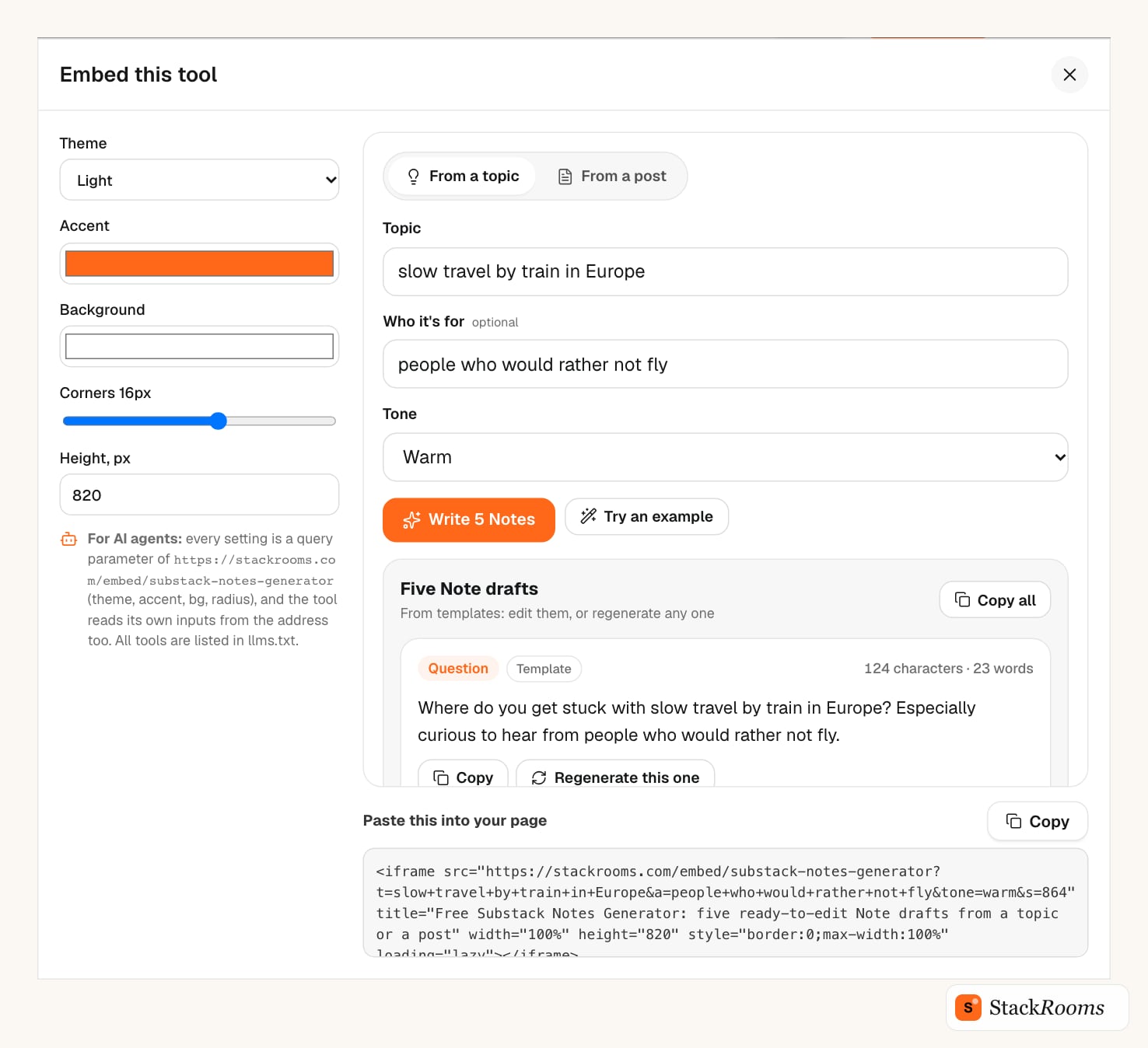
Free Substack Notes Generator: five ready-to-edit Note drafts from a topic or a post: the Embed window with its settings and code
Step 3: the Embed window, to put the Substack Notes Generator on your own site in your colors.
  1. Five drafts come back at once, one of each shape.
  2. Every draft has its own button to write it again.
  3. A local model on your device writes them, and templates answer when it is not available.
  4. Nothing you type leaves your browser.
  5. Pick one of five tones, from conversational to reflective.

FAQ

Frequently asked questions

Something else? Write to hello@stackrooms.com.

Is the Substack Notes generator free?

Yes, free and with no sign-up. It runs in your browser.

Does it work on a phone?

Yes. The templates answer on any device, and the local model runs where the browser supports it.

Can it write Notes that sound like me?

Pick the tone, add your reader and edit the draft. Each Note is built from your own words.

Why does a draft say [N]?

You did not give a number, so the generator leaves a slot for yours.

Can I put the generator on my own site?

Yes. Press Embed above the tool, choose the look and copy the code.


More from the blog

Member avatarMember avatarMember avatarMember avatarMember avatarMember avatar

Your writing, read by people who write

Sign up free

47k members