




Pick your route:
- App: Read, then Saved.
- Web: Subscriptions, then Saved.
- Notes, links, lists: the Saved section of your profile.
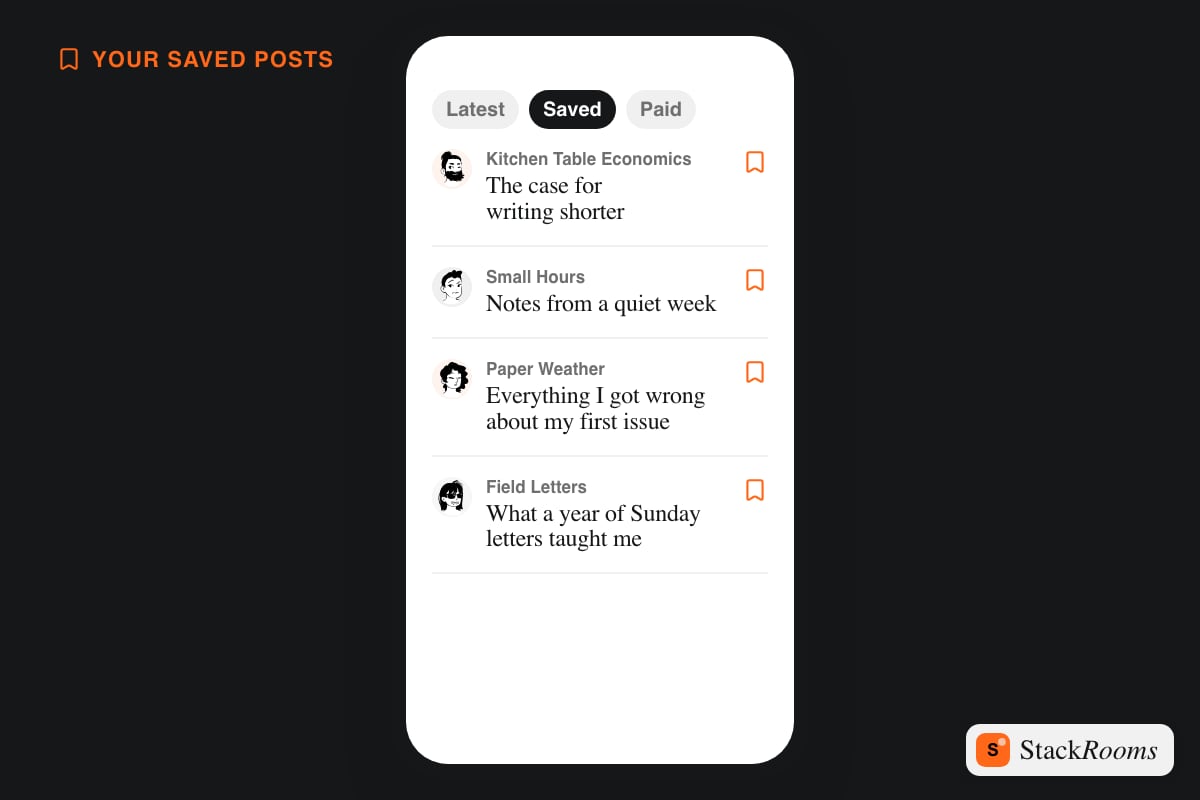
In the app, saved posts live under Read
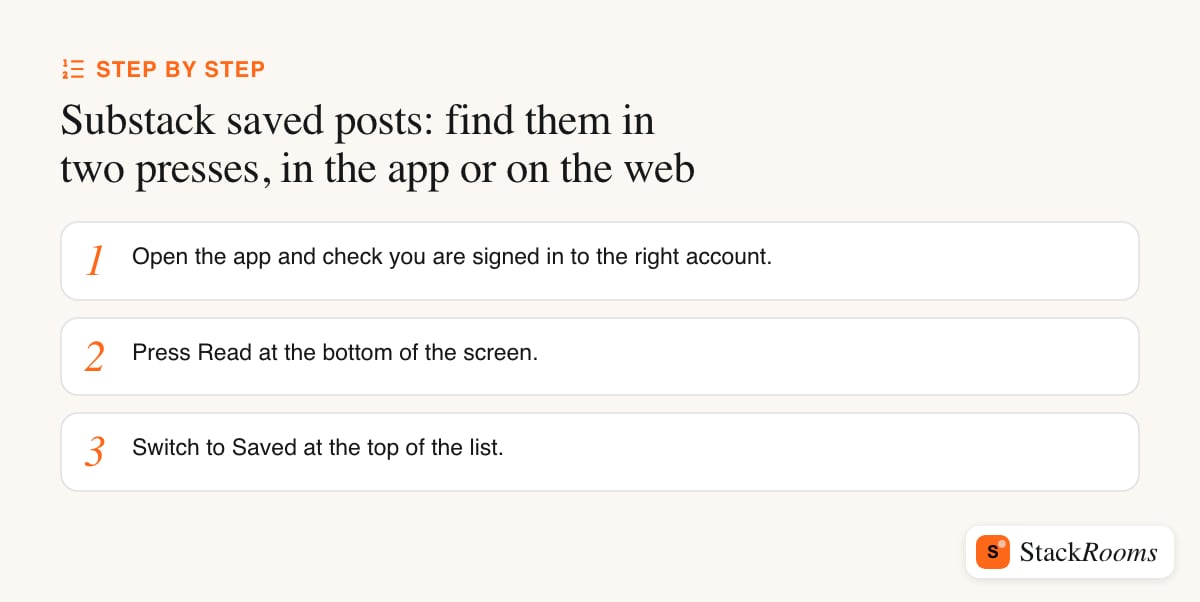
- Open the app and check you are signed in to the right account.
- Press Read at the bottom of the screen.
- Switch to Saved at the top of the list.
Saved notes show there too. Since the July update, they also sit behind the three dots at the top right of your profile.
On the web, the same list sits in Subscriptions
Sign in at substack.com, press Subscriptions in the left sidebar and choose Saved. The direct address is substack.com/inbox/saved. Saves belong to your account, so a post saved on your phone is waiting on your laptop when you use the same email.
Each kind of save has its own place
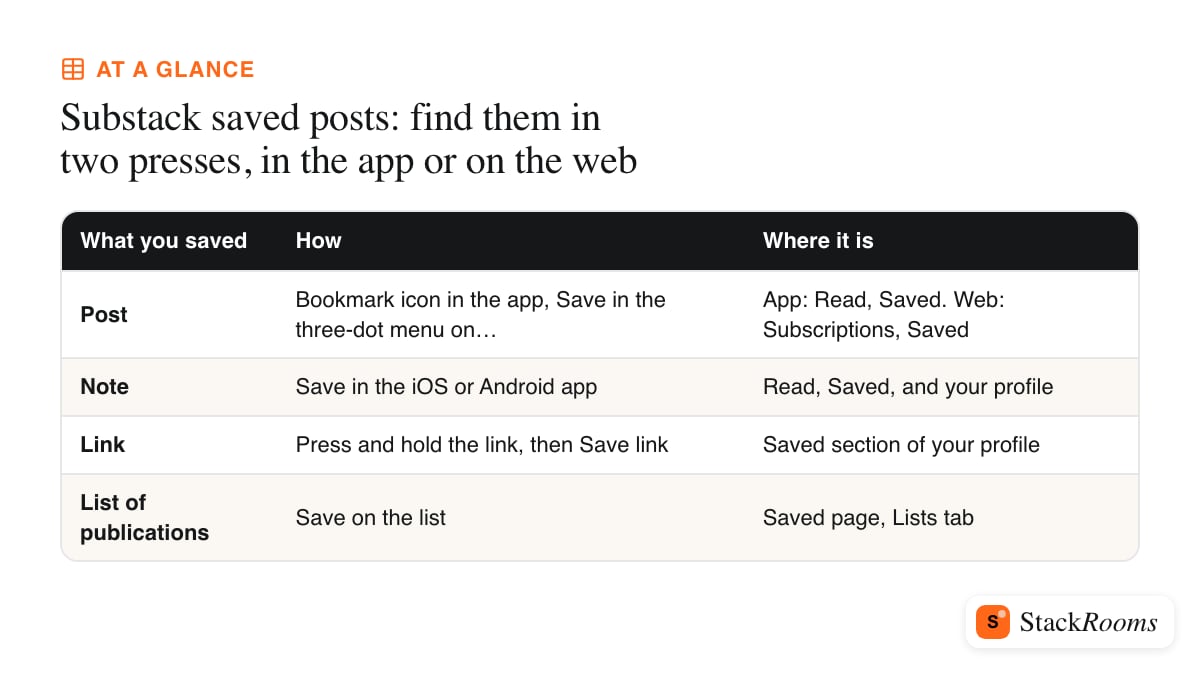
Posts, notes, links and lists are saved in different ways, and each one lands in its own spot.
| What you saved | How | Where it is |
|---|---|---|
| Post | Bookmark icon in the app, Save in the three-dot menu on the web | App: Read, Saved. Web: Subscriptions, Saved |
| Note | Save in the iOS or Android app | Read, Saved, and your profile |
| Link | Press and hold the link, then Save link | Saved section of your profile |
| List of publications | Save on the list | Saved page, Lists tab |
To unsave, open the post again and press the same bookmark or Save. Your likes, comments and restacks on it stay.
A missing save is usually in the Archive
- Check you are in the account you saved with.
- Open Archive: on iOS in Settings, on Android through your profile picture.
- Restore the post with unarchive.
- If the post comes from a publication you don't subscribe to, open it from the writer's page.
Saving keeps a post for later and archiving clears it from your queue, so use Save for what you still plan to read. If the writer deletes the post, the save has nothing to open.
Saves are private and they count for writers
Because nothing shows publicly, saving is the quietest way to thank a writer, and for the writer it is the clearest proof that a post was worth keeping.
Nobody sees what you saved. Your profile lists posts, notes, restacks and likes, and saves are not among them, and the writer gets no alert. For the writer, a save is a strong signal that the material was useful, which is why a note or post that readers keep goes further in feeds. To get that signal on your own work, ask for free Substack saves from verified writers, by hand from their own accounts, free and without a password. To see who reacted otherwise, read how to see likes on Substack, and for a wider plan how to grow on Substack.
 Buy Substack saves? No: a bought save is a bookmark nobody opensCan you buy Substack saves? No. A save is a reader's private bookmark and a bought one means nothing. Get free saves from verified writers who read your post.