Free Substack Image Resizer: the exact Substack image size for every slot
Get the exact Substack image size for every slot, free, in your browser, with nothing uploaded.



Drag to move the picture
Get the exact Substack image size for every slot, free, in your browser, with nothing uploaded.
Drag to move the picture
Every place a picture appears has its own shape. The resizer holds them all, so you choose a slot and skip the lookup.
| Slot | Size | File |
|---|---|---|
| Post preview | 1200 × 630 | JPG |
| Post thumbnail | 1200 × 800 | JPG |
| Logo | 512 × 512 | PNG |
| Wordmark | 1344 × 256 | PNG |
| Email banner | 1100 × 220 | PNG |
| Header cover | 1600 × 600 | JPG |
| Welcome image | 1200 × 1200 | JPG |
| Image in a post | up to 1200 × 1200 | JPG |
| Profile picture | 400 × 400 | JPG, shown as a circle |
Tick Transparent and the background stays clear. WebP is there when you want the smallest file.
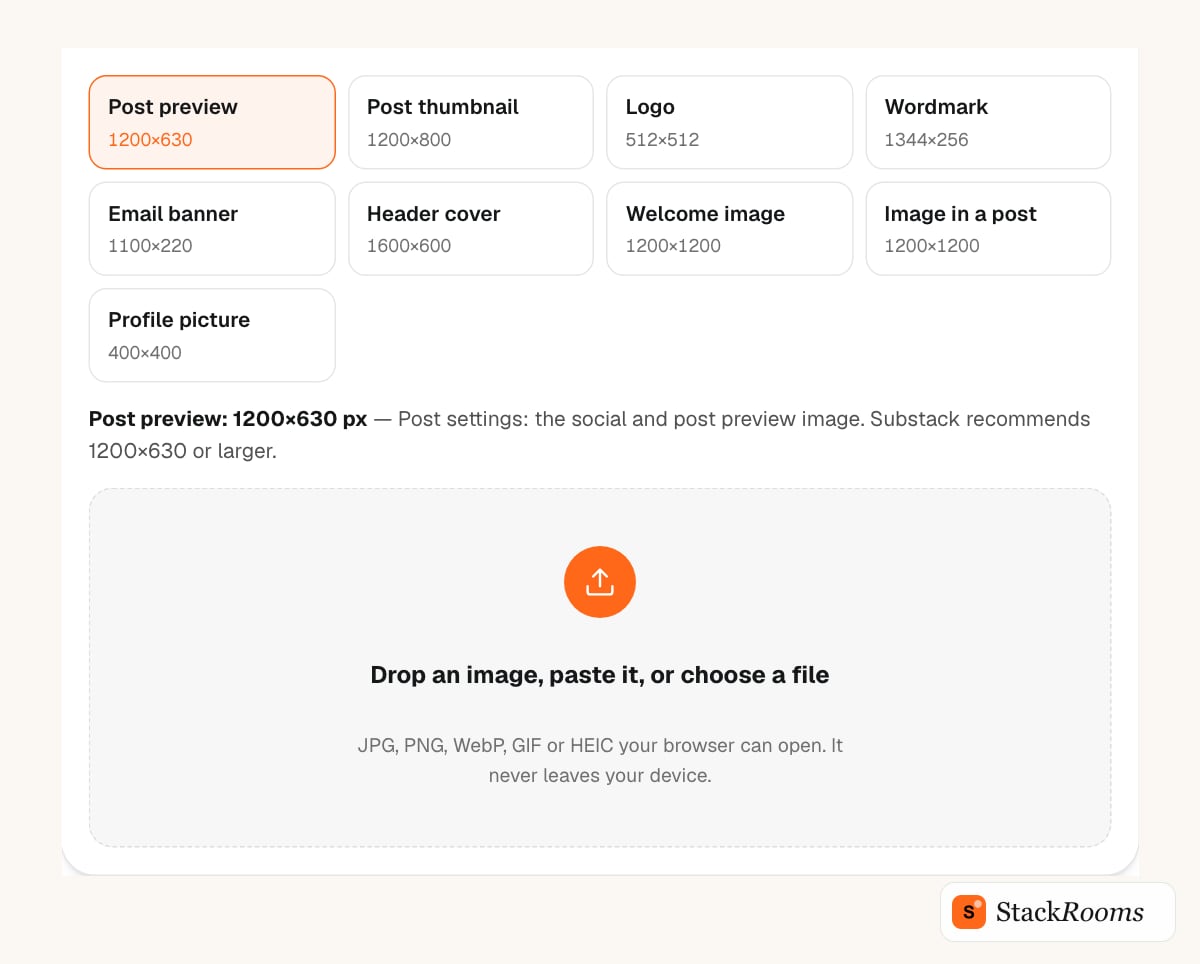
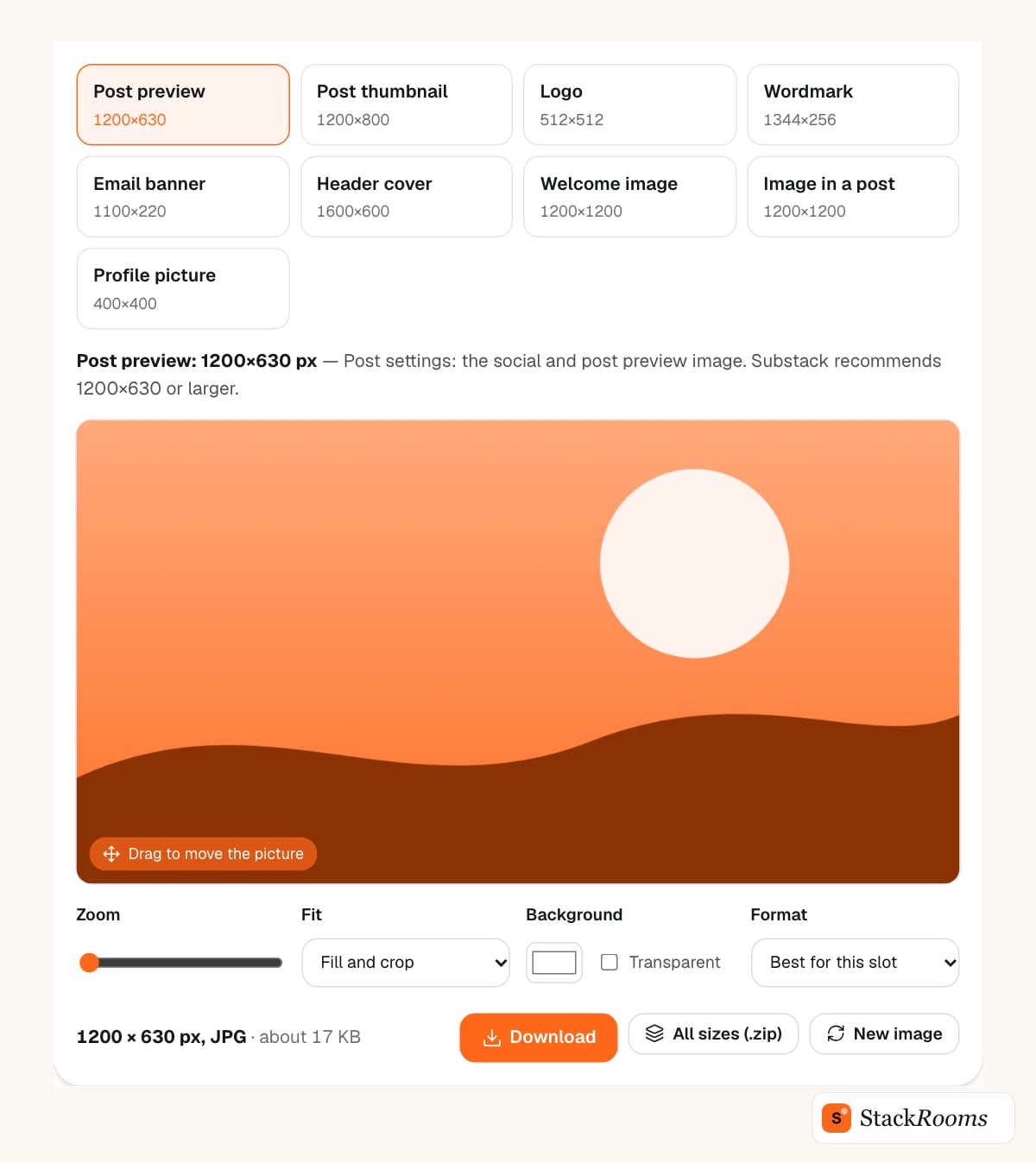
Thumbnails, squares and link cards each cut a picture differently, and the edges go first. Drag the subject to the center and every crop keeps it.
The pictures are ready, so give the post readers. Get free Substack likes from writers who open it, and score its title with the headline analyzer.
The post preview is 1200 × 630 pixels, and it shows on social cards and in the post list. Pictures inside the post can go up to 1200 × 1200.
The email banner is 1100 × 220 pixels, a PNG with a transparent background. The wide image in your website header is the wordmark, 1344 × 256.
Square, and 400 × 400 works well. It shows as a circle, and the resizer marks what gets cut.
No. Your browser opens the picture and draws it on your device.
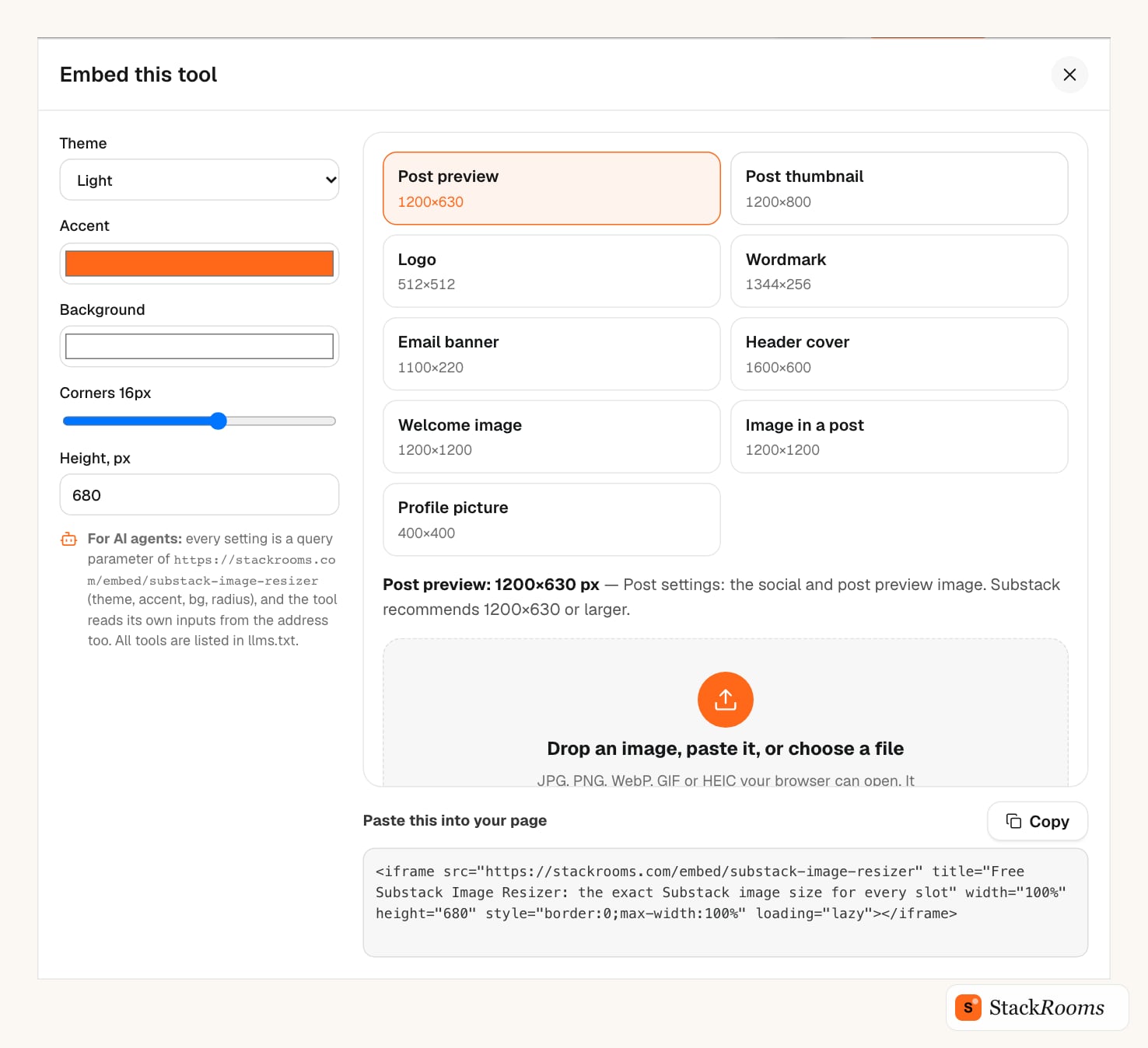
Yes. Press Embed above the tool, choose the theme, color and corners, and copy the code.
 Buy Substack likes? No: bot hearts come from accounts nobody followsCan you buy Substack likes? No. Bot hearts come from empty accounts and weigh nothing. Get free likes from verified writers who read your post.
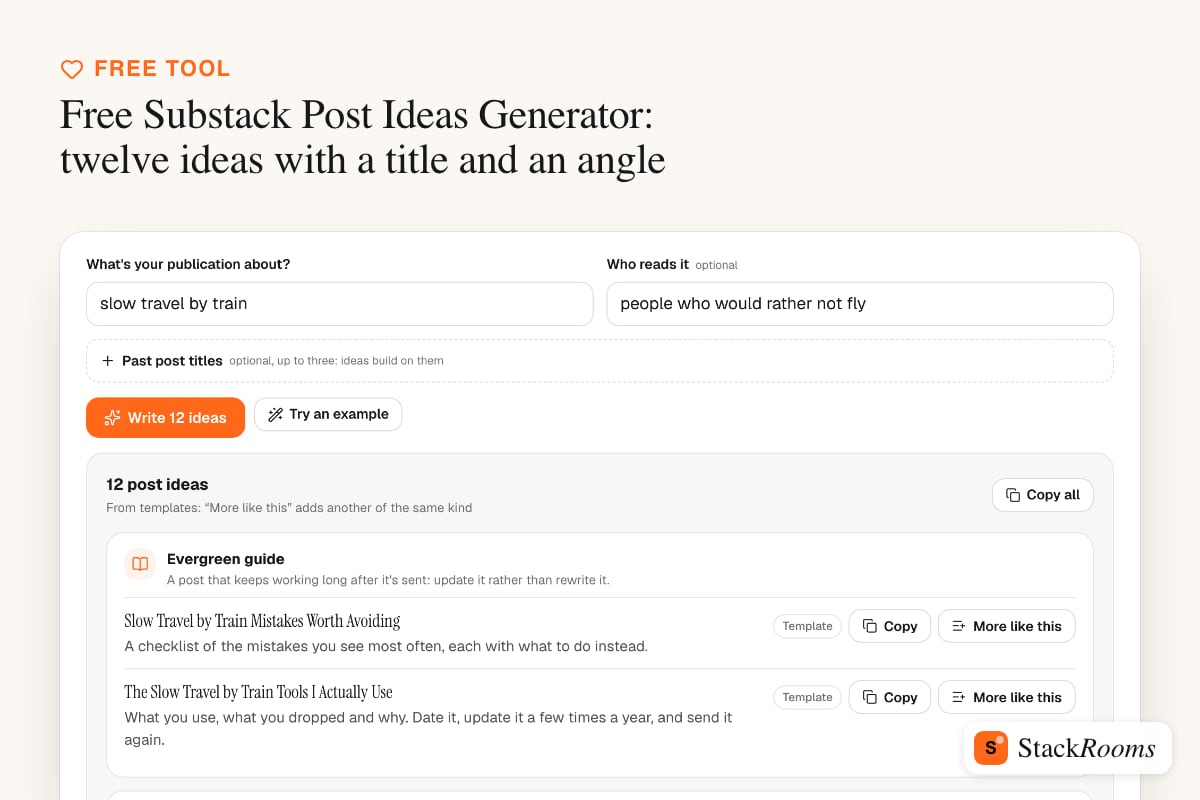 Free Substack Post Ideas Generator: twelve ideas with a title and an angleFree Substack post ideas generator: name your topic and get twelve ideas, each with a working title and an angle, across six kinds of post. No sign-up.
 How to find likes on Substack: who liked your post, your note and what you liked yourselfHow to find likes on Substack: see who liked your posts and notes, where the likes you gave are kept, and how to get more free likes from real writers.
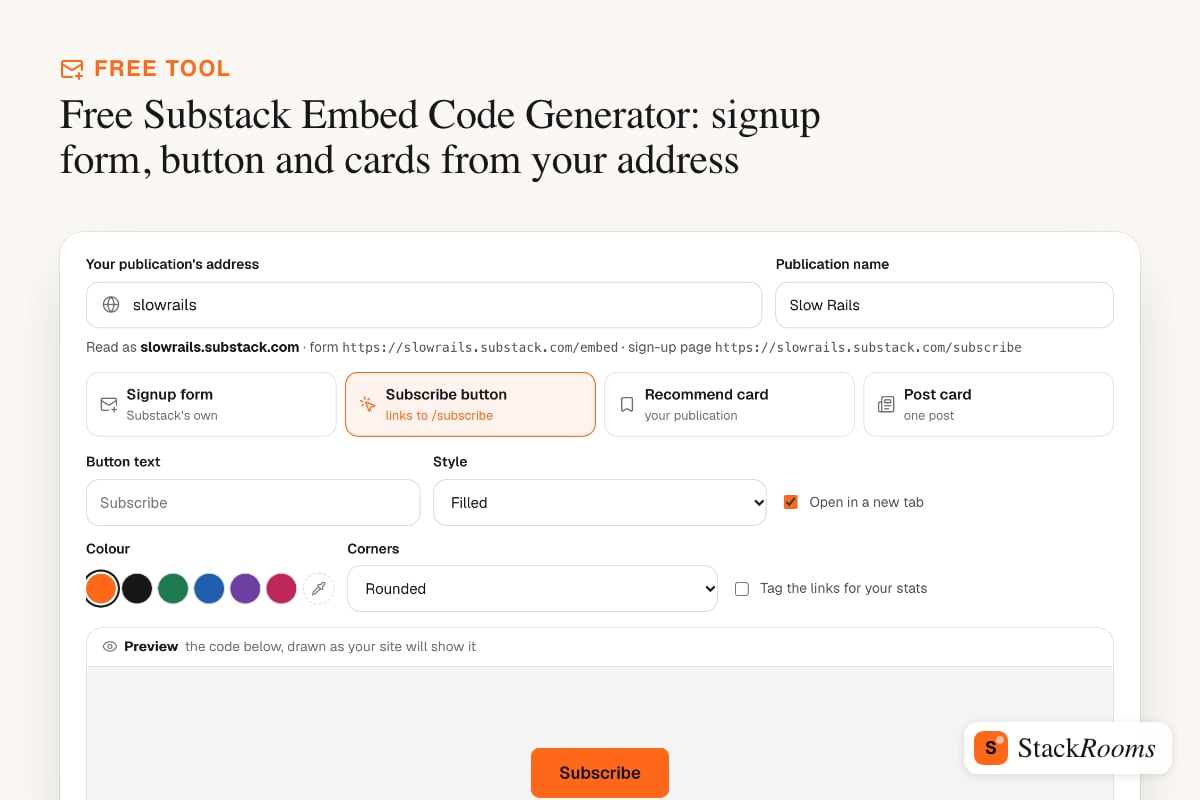 Free Substack Embed Code Generator: signup form, button and cards from your addressFree Substack embed code generator: type your publication address and get code for a signup form, a subscribe button and cards, with a live preview of each.






47k members
Cookies keep you signed in and tell us which pages get read. Nothing here is used for advertising. Cookie policy