



1A restack reshares a post, note or comment from you, as it is or with a note.
2The circle-arrow icon makes a restack, and highlighting text then pressing Restack makes a quote restack.
3Restacks show in followers' Home feeds, on your profile and under the original post.
4A restack stays in Notes and sends no email, unlike a cross-post.
5Free restacks from verified writers are available at StackRooms.
A restack is a retweet with your name on it
Writers call a publication a Substack, so restacking puts someone's work back on the stack for your readers. One press and a new item appears in Notes, marked as restacked by you. It links to the original, so the author gets the visit.
For the writer of the original, a restack is the strongest quiet signal after a comment: a reader liked the piece enough to show it to their own people.
Three kinds of restack cover every use
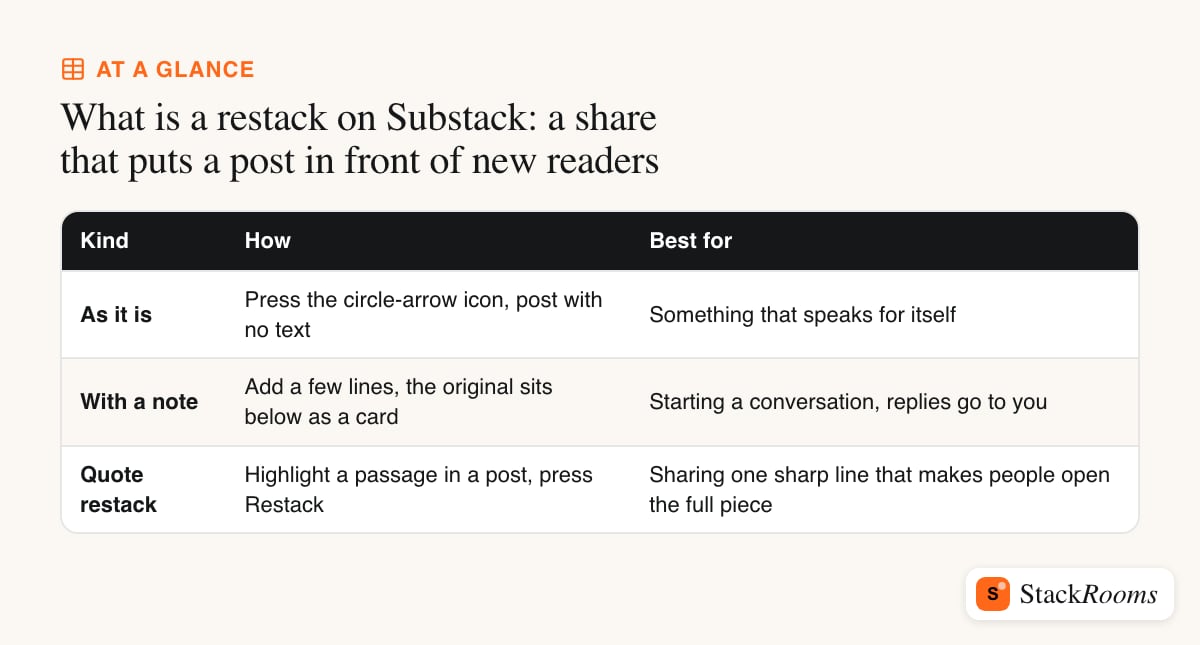
| Kind | How | Best for |
|---|---|---|
| As it is | Press the circle-arrow icon, post with no text | Something that speaks for itself |
| With a note | Add a few lines, the original sits below as a card | Starting a conversation, replies go to you |
| Quote restack | Highlight a passage in a post, press Restack | Sharing one sharp line that makes people open the full piece |
The icon sits on posts, notes and comments, on the web and in the app. If a post has none, its writer turned off likes, comments and restacks for that publication.
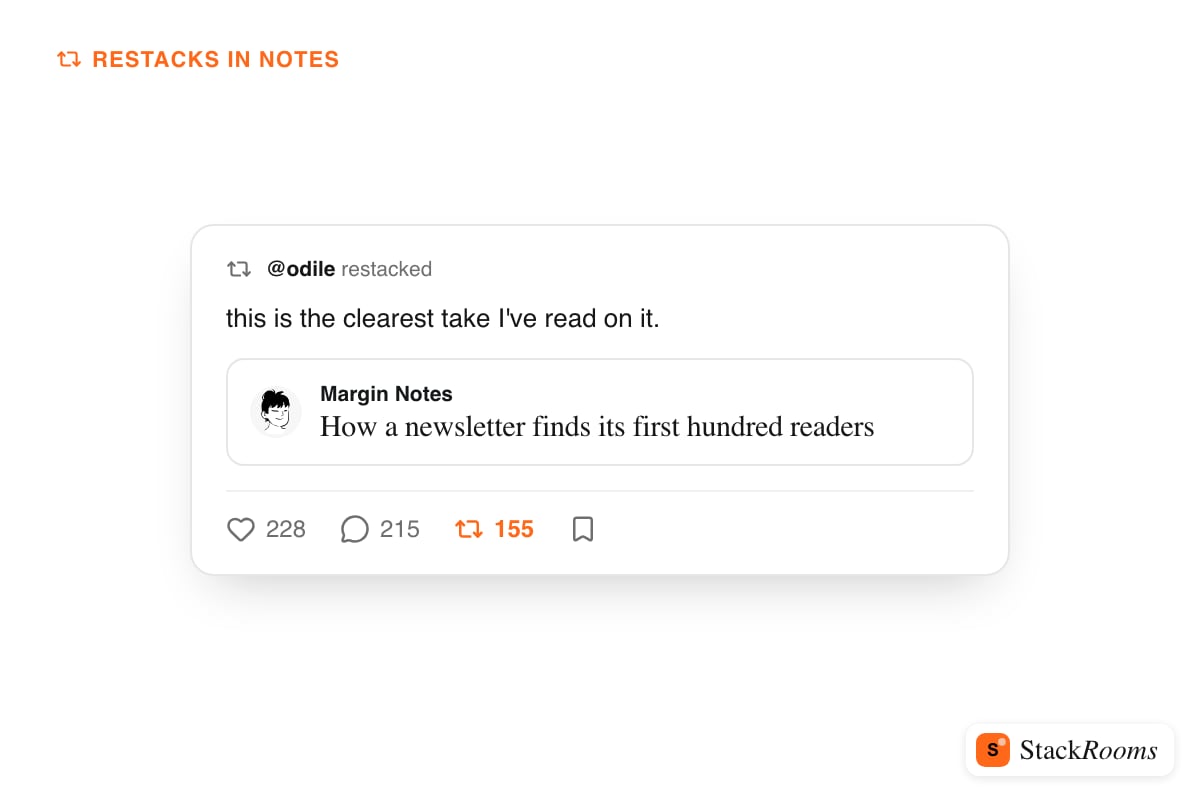
Restacks show up in four places
- The Home feeds of your followers and subscribers.
- Your profile, next to your notes.
- A Restacks tab under the original post on the web.
- The author's Activity bell, so they know who shared them.
A restack stays inside Notes and never goes out as an email. A cross-post is different: it sends the full text of a free post to another writer's subscribers by email. A recommendation points readers to a whole publication.
A good restack starts a conversation
Restack a post you would recommend to a friend, because your followers read it as your recommendation. Restack posts from writers in your topic more than posts from strangers to it, and your feed stays coherent.
A restack with one line of your own gets more replies than a bare one. Say why the post mattered to you, and your followers have something to answer. Restack the same post twice if you like, once as it is and a day later as a quote.
The first hour is when restacks count most. If you restack your own new post and ask friends to do the same, the post reaches far more feeds. Our free Substack restacks come from verified writers, by hand, from their own accounts. Free, no conditions, no bots, no password needed. Swap restacks with another writer on Substack restack exchange.
Undoing a restack takes two presses
- Open the restack in your profile.
- Press the three dots on the note.
- Choose Delete.
To clear everything at once, open Settings, then Danger Zone, then Delete notes. That removes every note and restack you have posted. For a wider plan, read how to grow on Substack.
 Substack Boost: what it does, and the free way to lift a postSubstack Boost is a feature for paid publications that offers readers discounts. To lift a post itself, writers like and restack for free on StackRooms.