







Nine texts for two places
A profile bio describes you and sits next to your photo. A publication description describes the newsletter and greets new visitors. The generator writes both, so you stop pasting one sentence into two fields.
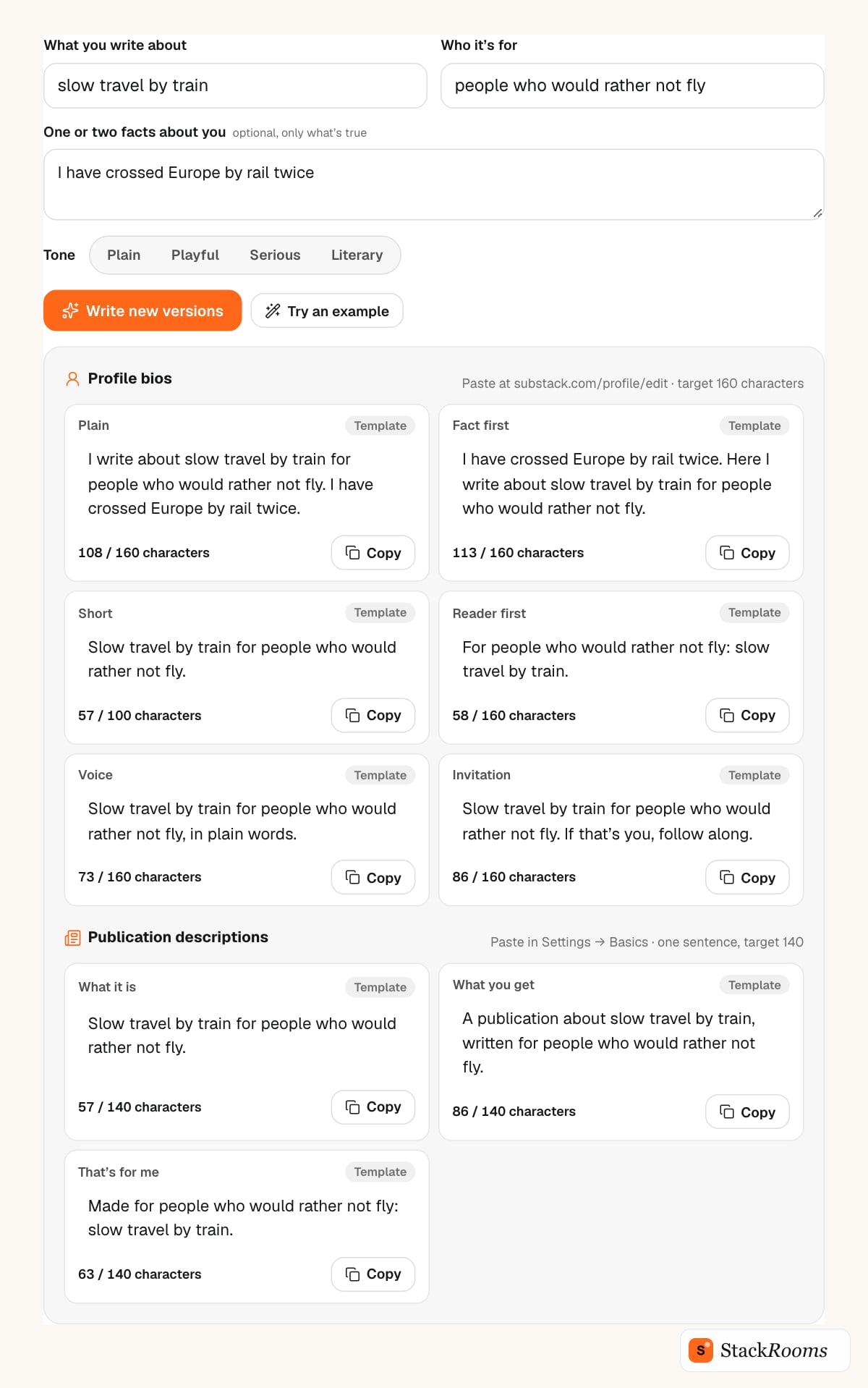
- Plain says what you write and for whom.
- Fact first opens with your fact, then the topic.
- Short stays under 100 characters.
- Reader first names the reader before the topic.
- Voice carries the tone you pick.
- Invitation ends with a reason to follow along.
The three descriptions speak about the publication: what it is, what a subscriber gets, and one line for the reader who thinks "that's me".
Three steps to a bio you can paste
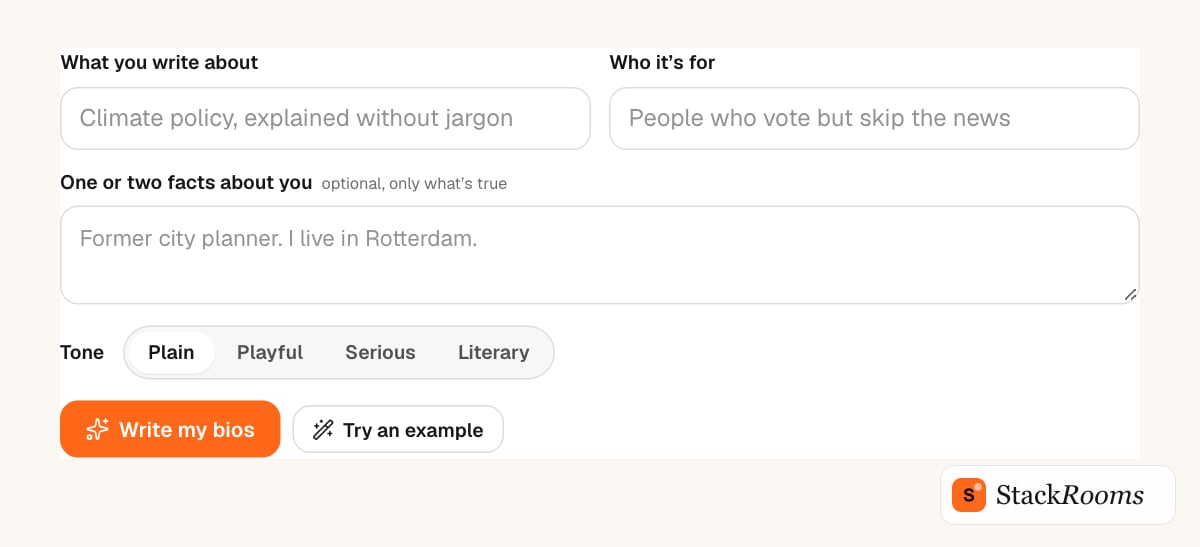
- Write the topic, the reader and one or two true facts. Leave the facts empty if you have none.
- Pick a tone and press Write my bios.
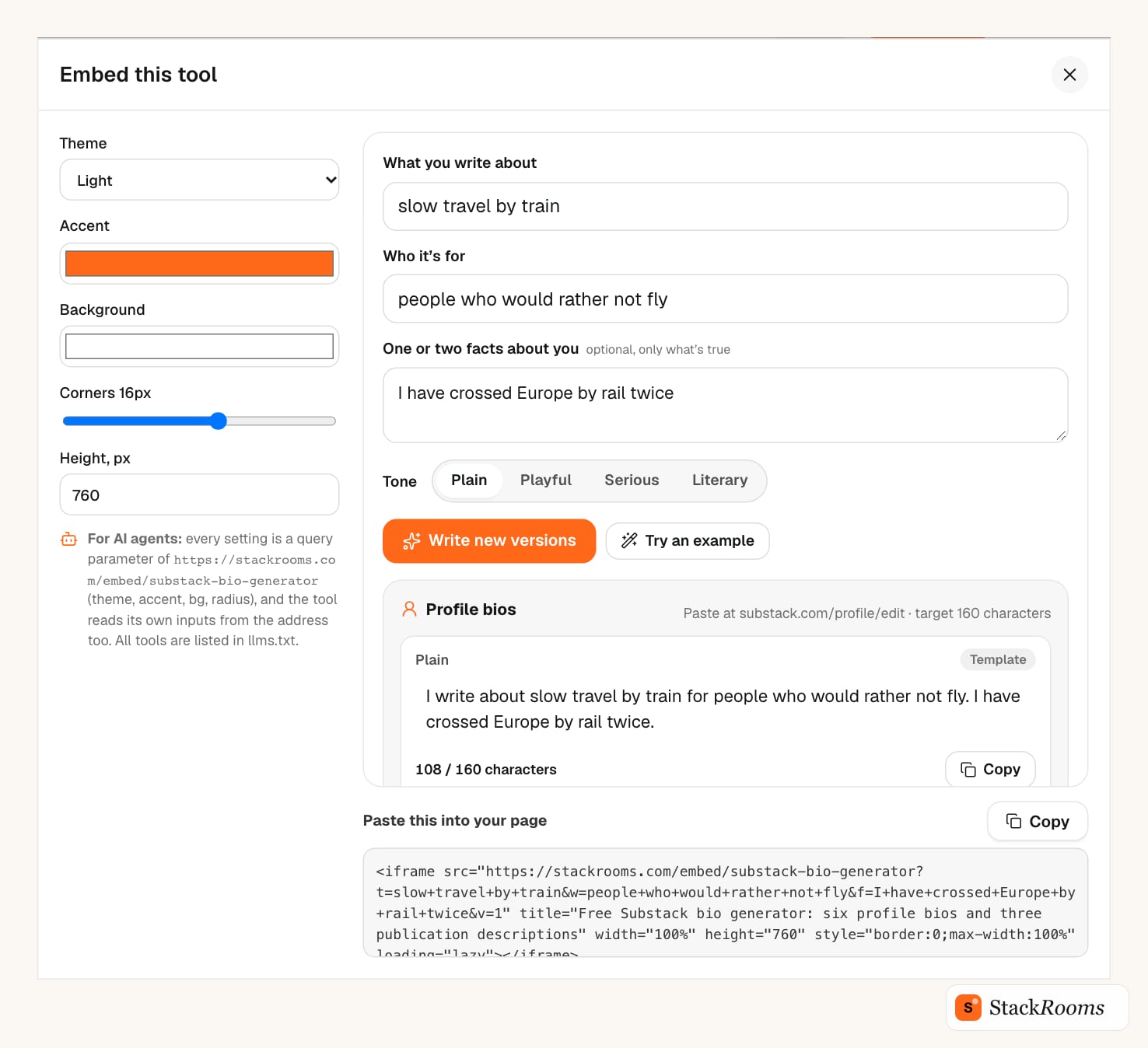
- Edit a card in place, copy it, or press Embed to put the generator on your own site.
Your words in, your claims out
The generator never adds an award, a job title or a number you didn't type. Everything runs on your device: a small AI model writes when your browser supports it, and templates answer at once otherwise. Nothing you type leaves the browser.
Where each text goes
Paste a bio into your profile, a description into the publication settings, and use the same facts as the seed for a longer About page. A clear bio gives a visitor a reason to follow, so pair it with free Substack followers. Our name generator and welcome email generator finish the setup.
 Can you buy Substack followers? No, and the ones you'd get never read a NoteCan you buy Substack followers? No. Bought followers never read a Note. Get real ones free, from verified writers who follow by hand from their own accounts.