Free Substack Welcome Email Generator: a free and a paid email in your tone
Free Substack welcome email generator: two drafts, one for free readers and one for paid.




1You get two emails at once, one for free and one for paid subscribers.
2Each has a subject line with a live count against 60 characters and 9 words.
3The emails promise only the schedule and perks you typed.
4Leave the paid field empty and the free email skips the upgrade.
5A local model on your device writes them, with templates as the fallback.
Two emails from one form
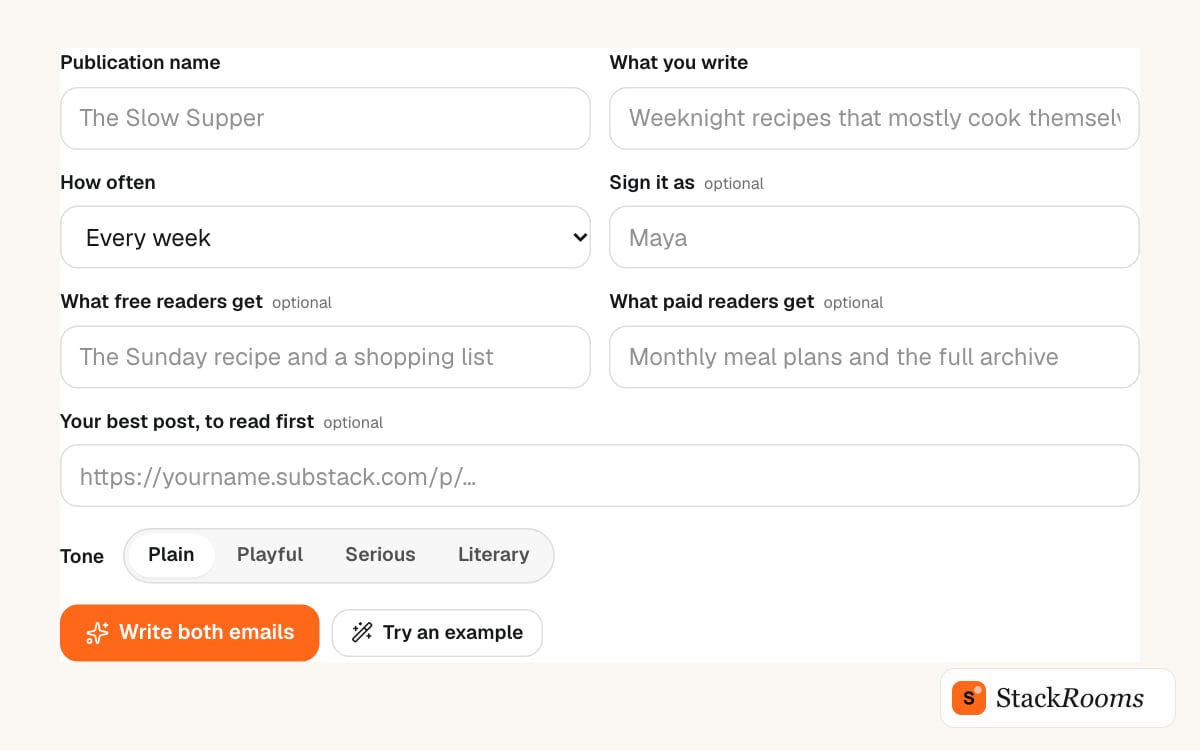
The first email a new subscriber gets sets the tone for every post after it. The generator writes one for free subscribers and one for paid, in a tone you choose: plain, playful, serious or literary. Switch between the Free and Paid tabs to read each.
Steps to a finished welcome email
- Fill in the form. The publication's name and what you write are required. Add how often you publish, what free readers get and what paid readers get.
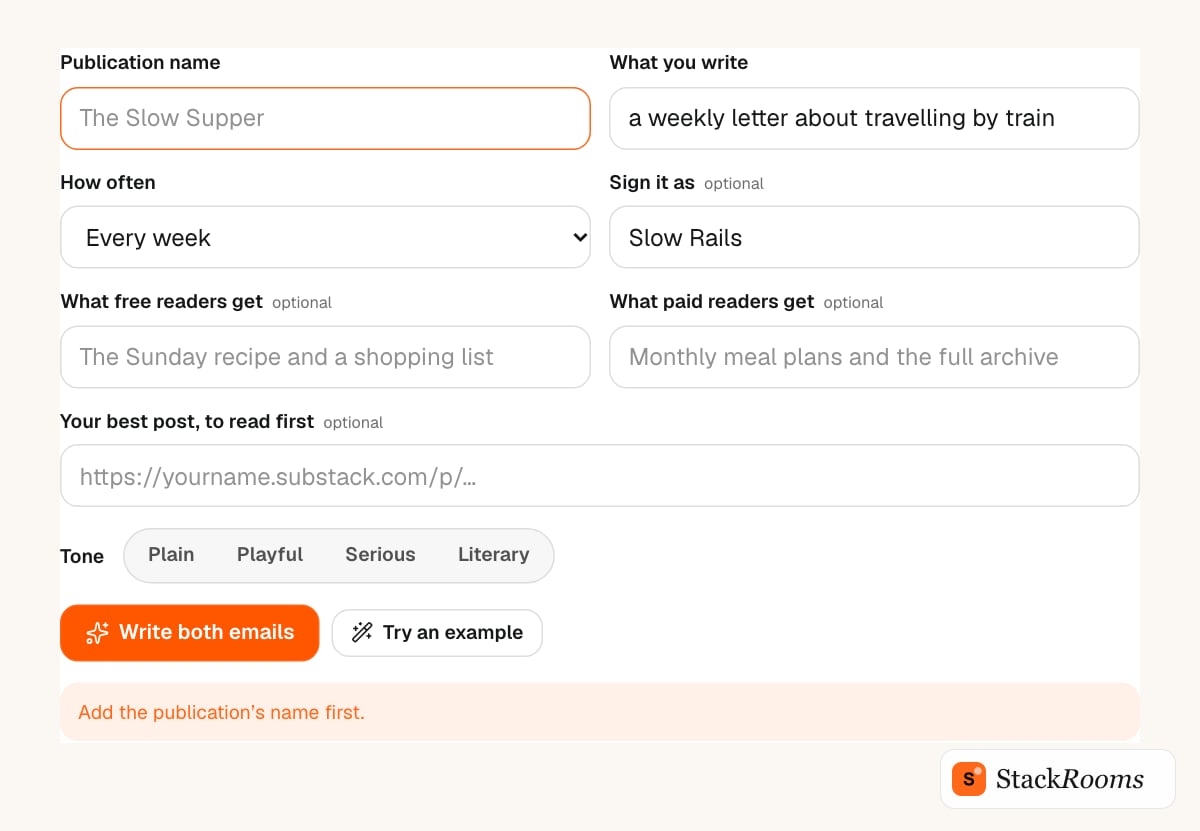
- Add the first post to read, as a link starting with https://, then press Write both emails.
- Edit in place. Subject and text are editable, and the counts update as you type.
Paste each email into its own slot
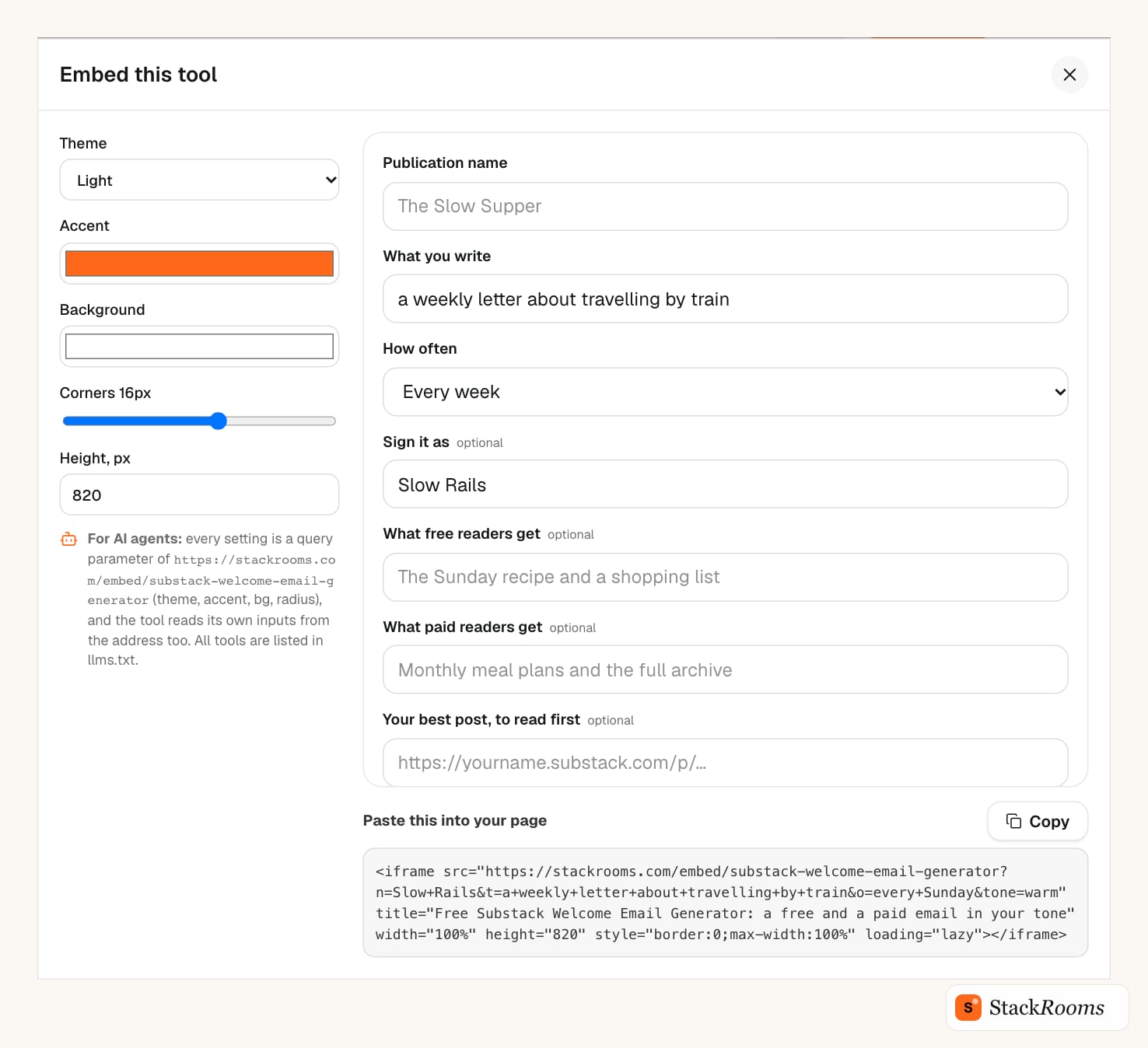
Copy the whole email, or just the subject or the body. In your publication's settings, open Emails and paste the Free draft into the free welcome email and the Paid draft into the paid one. Imported and founding subscribers have their own slots, so start from the Paid draft for founding readers.
The email promises what you typed and nothing more, so pick a schedule you will keep. Send people to a welcome that is waiting: get free Substack subscribers, then see what a paid list earns with the revenue calculator.
Questions readers ask
Where do I edit my Substack welcome email?
In your publication's settings, open Emails and press Edit next to the welcome email you want to change.
Can free and paid subscribers get different welcome emails?
Yes. Each has its own slot, and the generator writes a draft for both.
Does the generator add a link or a number I did not give?
No. It uses only what you typed, and a draft that adds anything else is replaced by a template.
Is the welcome email generator free to use?
Yes. It is free, needs no sign-up and runs in your browser.
Read next
 Buy Substack subscribers? No: a bought list never reads and never paysCan you buy Substack subscribers? No. A bought email list never opens a post and hurts your newsletter. Get real readers through verified writers, free.
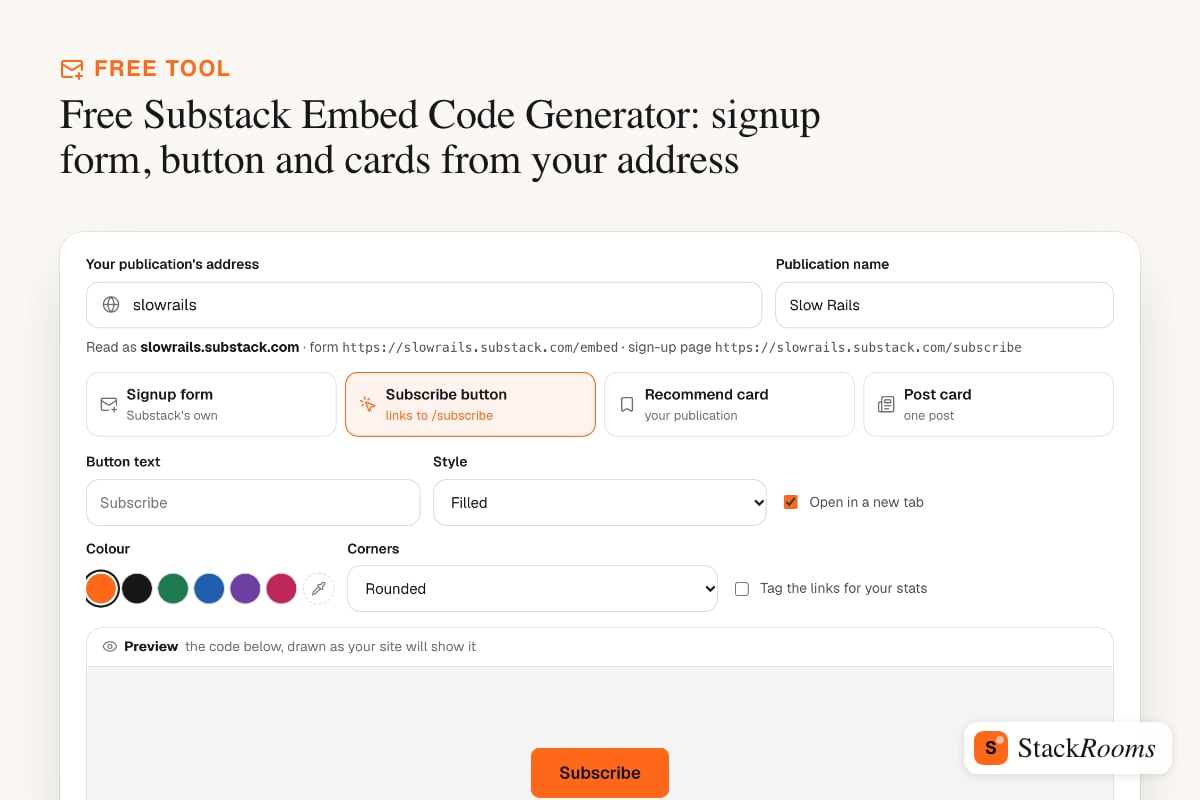 Free Substack Embed Code Generator: signup form, button and cards from your addressFree Substack embed code generator: type your publication address and get code for a signup form, a subscribe button and cards, with a live preview of each.
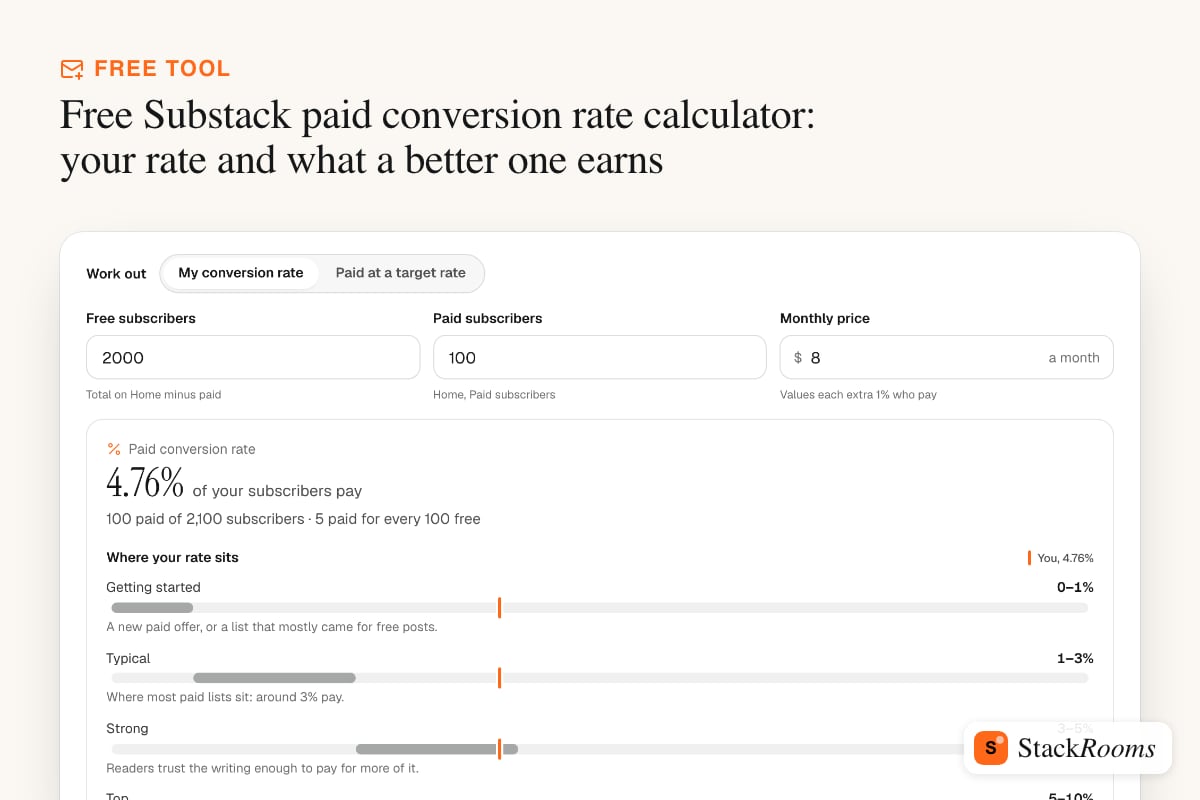 Free Substack paid conversion rate calculator: your rate and what a better one earnsFree Substack paid conversion rate calculator: enter free and paid subscribers, see your rate against typical ranges and what a better rate earns a year.
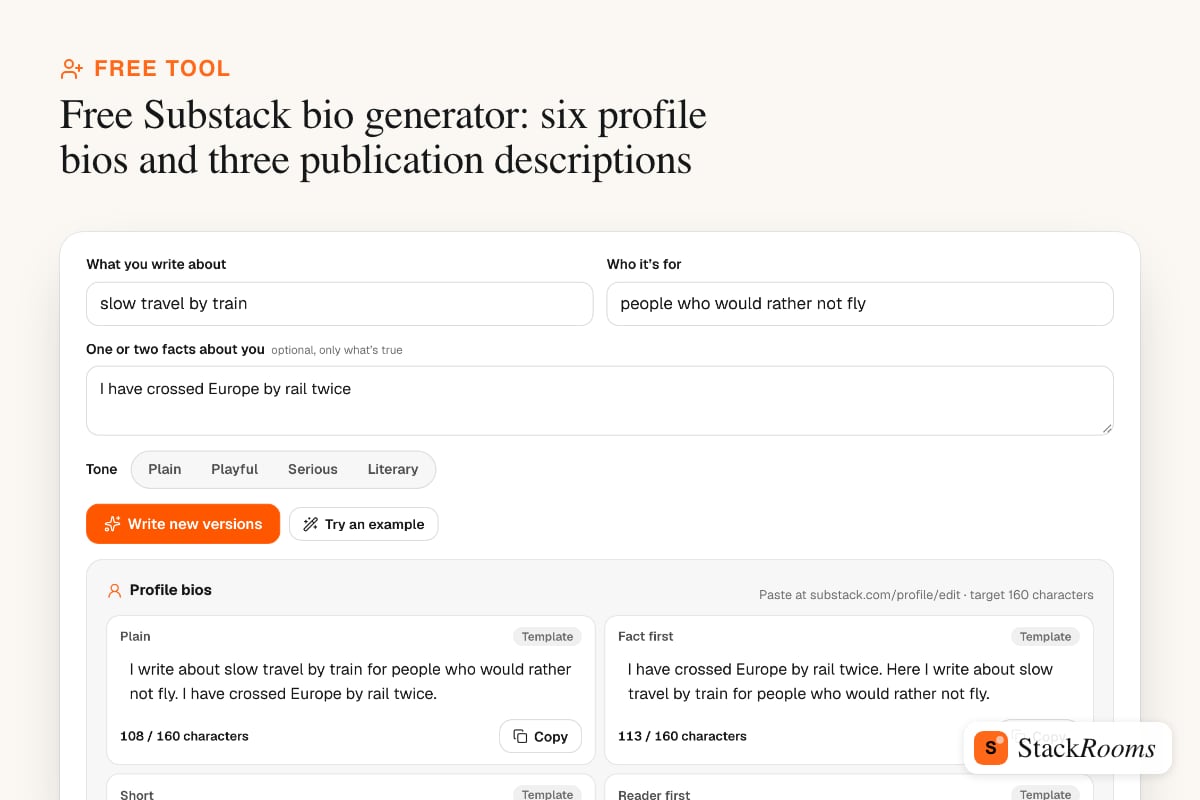 Free Substack bio generator: six profile bios and three publication descriptionsFree Substack bio generator: say what you write and who reads it, get six profile bios and three publication descriptions. Runs in your browser, no sign-up.
Bring your next post to the room
Real members · No password · Forever Free